
Every time you unlock a smartphone or open a laptop, the screen dictates how your eyes feel and how clearly you absorb information. When Apple introduced the "Retina Display" trademark, it transformed these daily experiences by pushing resolutions beyond what the human eye can distinguish.
This concept relies on biological limits intersecting with high pixel density. By packing pixels tightly enough that individual dots vanish into a seamless image, display technology moved from basic functionality to premium visual fidelity.
From early LCD screens to the newest OLED variations, these hardware advancements have set a high bar across the broader electronics market.
Key Takeaways
- A high-density display functions by packing pixels so tightly that the human eye cannot distinguish individual dots from a standard viewing distance.
- Apple dynamically classifies screens as "Retina" based on how far away a device is held, meaning a desktop monitor requires fewer pixels per inch than a smartphone.
- Dense pixel grids reduce eye fatigue during long computing sessions because perfectly sharp text prevents ocular muscles from constantly refocusing on blurry edges.
- Modern operating systems scale user interfaces up by a factor of two or three to keep buttons and text readable on highly dense hardware.
- Many standard 4K desktop monitors and high-end OLED panels from competing brands offer the exact same visual smoothness and color accuracy as Apple's proprietary hardware.
The Science and Physics of Retina Display Technology
High-resolution screens operate on physical and biological principles that directly influence human sight. The basic mechanics of visual perception dictate how dense a cluster of light-emitting diodes must be to create a seamless picture.
Engineering a screen to meet these biological thresholds requires precise mathematical formulas balancing hardware capabilities with human anatomy.
Pixel Density and Pixels Per Inch (PPI)
Pixel density measures how tightly individual physical pixels are packed within a specific area of a screen. The standard metric for this is pixels per inch, commonly abbreviated as PPI.
Calculating PPI requires knowing the physical dimensions of the display along with its resolution. As the resolution increases on a screen of the exact same size, the physical dimensions of each individual pixel must shrink.
This creates a much denser grid of light points. A higher PPI results in finer image details because the smaller physical pixels can render curves and diagonal lines with greater accuracy.
Human Visual Acuity and the Limit of Human Vision
The human eye has biological limitations regarding its ability to resolve fine detail. Visual acuity is the measure of how well the eye can distinguish two distinct points separated by a specific distance.
When pixels are large and spread out, the optic nerve easily detects the individual squares making up an image. However, there is a strict mathematical threshold where those separate points become too small and closely packed for the eye to differentiate them.
Once a display surpasses this specific threshold, the grid structure vanishes from sight. The brain processes the digital output as a perfectly smooth and continuous image.
The Role of Viewing Distance in Pixel Visibility
The point at which individual pixels disappear is not fixed. It changes dramatically based on how far the screen is from the viewer's eyes.
A smartphone held a few inches from the face requires an incredibly high pixel density to achieve visual smoothness. A desktop monitor or television sits much farther away and can achieve the exact same seamless effect with a significantly lower PPI.
Apple uses a dynamic formula to classify a screen as "Retina." The calculation accounts for both the expected viewing distance of the specific device and the physical pixel density.
A laptop requires fewer pixels per inch than a smartwatch to meet the exact same classification standard because it is viewed from a greater distance.
The Retina Display Family and Product Taxonomy

Over successive hardware generations, high-resolution screens have evolved significantly to incorporate new panel technologies and backlighting systems. What began as a unified standard for basic mobile displays has branched into a complex family of proprietary panels.
Each iteration brings specific enhancements to contrast ratios, brightness levels, and color precision.
Standard Retina and Retina HD (LCD Roots)
The earliest deployments of high-density screens relied on traditional liquid crystal display technology. These initial LCD panels appeared in legacy iPhones, iPads, and MacBooks, setting a new baseline for visual clarity in consumer electronics.
The original standard established strict requirements for contrast and brightness that far exceeded older screens. The Retina HD generation pushed these hardware capabilities further by widening the color gamut and improving off-axis viewing angles.
These early LCD panels laid the foundation for the premium display expectations that dominate the current hardware market.
Liquid Retina and Liquid Retina XDR (Advanced LCD and Mini-LED)
As device designs transitioned away from thick bezels, the underlying screen technology had to adapt. Liquid Retina branding represents advanced LCD panels manufactured with edge-to-edge designs and smoothly curved corners.
This engineering allowed screens to fill the entire front face of a tablet or smartphone without distorting the picture at the edges. The subsequent Liquid Retina XDR introduced Mini-LED backlighting to the hardware architecture.
By packing thousands of microscopic LEDs behind the LCD layer, the display controls local dimming zones with incredible precision. This localized light control dramatically improves dynamic range and allows for intense peak brightness in targeted areas of the screen.
Super Retina XDR and Ultra Retina XDR (OLED and Tandem OLED)
The shift toward organic light-emitting diode panels marked a major leap in mobile display capabilities. Super Retina XDR utilizes OLED technology to achieve infinite contrast ratios.
Because each individual pixel generates its own light, black areas of the screen simply turn off completely. This per-pixel light control eliminates the blooming effects common in backlit panels.
Modern premium displays feature Ultra Retina XDR, which introduces a complex Tandem OLED architecture. This design stacks two light-emitting layers on top of each other.
The dual-layer system maximizes full-screen brightness while protecting panel durability over years of continuous use.
Software Optimization and Display Resolution Scale

Hardware improvements only succeed when the underlying operating system properly manages the high-density output. Adapting software for modern displays requires massive changes to how graphics and user interfaces are rendered.
Developers must balance raw pixel counts with visual accessibility to ensure applications remain usable and aesthetically pleasing.
The Architecture of HiDPI Display Output
Operating systems handle incredibly dense screens through specific high-dots-per-inch rendering architectures. If an operating system outputs a traditional graphical interface on a highly dense panel, every menu, button, and text block shrinks to an unreadable size.
To maintain a comfortable and accessible interface, the software scales everything up by a factor of two or three. It uses the massive surplus of physical pixels to draw the exact same shapes with much finer detail.
This scaling process eliminates microscopic text and maintains standard usability while vastly improving visual crispness.
Logical Pixels vs. Physical Pixels
Software developers design interfaces using logical pixels. These are software-defined canvas units that dictate the layout and spacing of an application.
Physical pixels are the actual hardware diodes illuminating the screen. On a high-density display, a single logical pixel is rendered using a cluster of four or nine physical pixels.
This mapping process ensures that legacy applications built for older hardware do not break when displayed on modern screens. Operating systems use a technique called pixel-doubling to scale these older interfaces seamlessly.
The software maps the original assets directly to the larger physical grid without introducing blurry edges or visual distortion.
Impact on Asset Resolution and Graphic Optimization
Scaling up an interface creates severe challenges for standard graphic assets. Legacy images created at a basic one-to-one scale look terrible on high-density displays because the software is forced to stretch the low-resolution file across multiple physical pixels.
Modern software development and web design standards require assets built specifically for scaled environments. Developers use multi-resolution source files to provide separate graphical assets for standard, double, and triple-density screens.
Vector formats have also become incredibly common. Because vector graphics use mathematical formulas rather than static grids, they scale flawlessly to any size without losing sharpness.
Key Benefits and Practical Performance Advantages

Transitioning to a high-pixel-density display provides immediate and noticeable advantages for daily computer usage. The massive increase in raw resolution profoundly alters how users interact with text and visual media.
These hardware upgrades benefit casual reading habits and professional creative processes alike.
Improvement of Text Clarity and Legibility
The most immediate advantage of a dense pixel grid is the drastic improvement in typography rendering. Lower resolutions struggle to display the curved lines and diagonal strokes that make up most fonts.
This creates severe aliasing, which manifests as jagged and rough edges around letters. High-density screens shrink the physical pixels enough to smooth out these curves entirely.
The resulting text appears as clean and sharp as ink printed on physical paper. Smoother text shapes allow the brain to process words faster, contributing to easier reading and typing experiences.
Mitigation of Eye Fatigue during Long Sessions
Staring at digital screens for extended periods typically causes severe physical strain on the ocular muscles. When text and interface elements are blurry or heavily pixelated, the eye constantly works to pull the distorted shapes into focus.
High-density panels eliminate this micro-focusing problem by presenting perfectly clear elements. The ocular muscles do not have to strain to interpret the sharp, defined edges of the digital content.
This reduction in eye fatigue is an incredible benefit for professionals who spend consecutive hours reading documents or writing code.
Precision in Color Accuracy and Creative Workflows
Creative professionals require perfect hardware specifications to ensure their final products look correct across all devices. High pixel density operates in direct synergy with wide color gamuts like the DCI-P3 standard.
The dense pixel grids allow for incredibly smooth color gradients without the banding artifacts seen on lower-resolution panels. Photo editors, video producers, and graphic designers rely heavily on this precise hardware combination.
The ability to trust the exact color reproduction and edge clarity on a monitor is essential for work-related accuracy and high-end media production.
Industry Comparison and Market Alternatives

Apple maintains a proprietary system for classifying display technology, but the broader electronics market features heavily standardized hardware specifications. High-density panels are incredibly common across competing brands and operating systems.
Evaluating these alternatives provides a clear perspective on hardware value and raw technical performance.
Standard Industry Benchmarks (4K, UHD, and High-DPI Windows Monitors)
The monitor industry relies on universal resolution benchmarks like 4K and Ultra High Definition to categorize screen quality. A standard 4K display features a specific resolution of 3840 by 2160 pixels.
When this resolution is applied to a large twenty-seven-inch desktop monitor, the resulting pixel density is lower than the density found on a typical smartphone or premium laptop. However, due to the extended viewing distances associated with desktop setups, these 4K monitors often achieve the exact same visual smoothness as a proprietary Retina screen.
High-DPI Windows laptops and monitors utilize identical scaling methods to produce incredibly sharp interfaces that perfectly rival Apple's hardware.
Retina vs. High-End Competitors (AMOLED and OLED Panels)
Android and Windows hardware manufacturers produce extremely powerful panels that frequently match or exceed proprietary Apple specifications. Samsung, Google, and Asus utilize AMOLED and advanced OLED panels featuring staggering resolutions.
A direct and objective analysis of the hardware often reveals that competing devices offer faster screen refresh rates and higher peak brightness levels. Color reproduction across these different manufacturers remains highly competitive.
The panels sourced by competing brands frequently originate from the exact same manufacturing plants that supply screens for Apple hardware.
Cost Analysis and Consumer Value Assessment
Purchasing a device exclusively for its branded screen technology requires a careful evaluation of the price-to-performance ratio. Devices marketed with premium proprietary panels often carry a significant price markup compared to standard high-definition alternatives.
Mainstream users who primarily browse the web and watch streaming video often cannot distinguish the minor technical differences between a standard 4K panel and a branded Retina screen. The premium cost is mostly justified for specialized creative professionals who absolutely require flawless color calibration and immense peak brightness for demanding production tasks.
Conclusion
The Retina display shifted how the industry approaches screen manufacturing by balancing physical pixel density, human visual acuity, and viewing distances. Over the years, the technology evolved from standard LCDs to advanced dual-layer OLEDs, supported by intelligent software that scales interfaces perfectly without losing sharpness.
High-density screens are no longer just a premium marketing tactic reserved for expensive Apple devices. They have established a baseline consumer expectation across the entire tech industry, forcing manufacturers everywhere to deliver perfectly clear and color-accurate hardware for daily use.
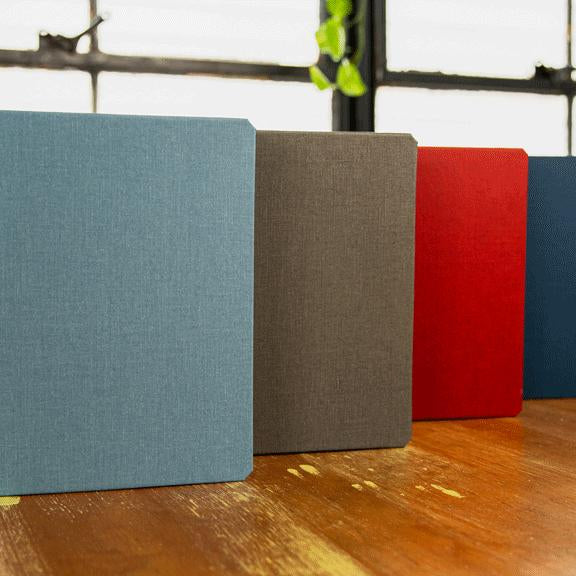
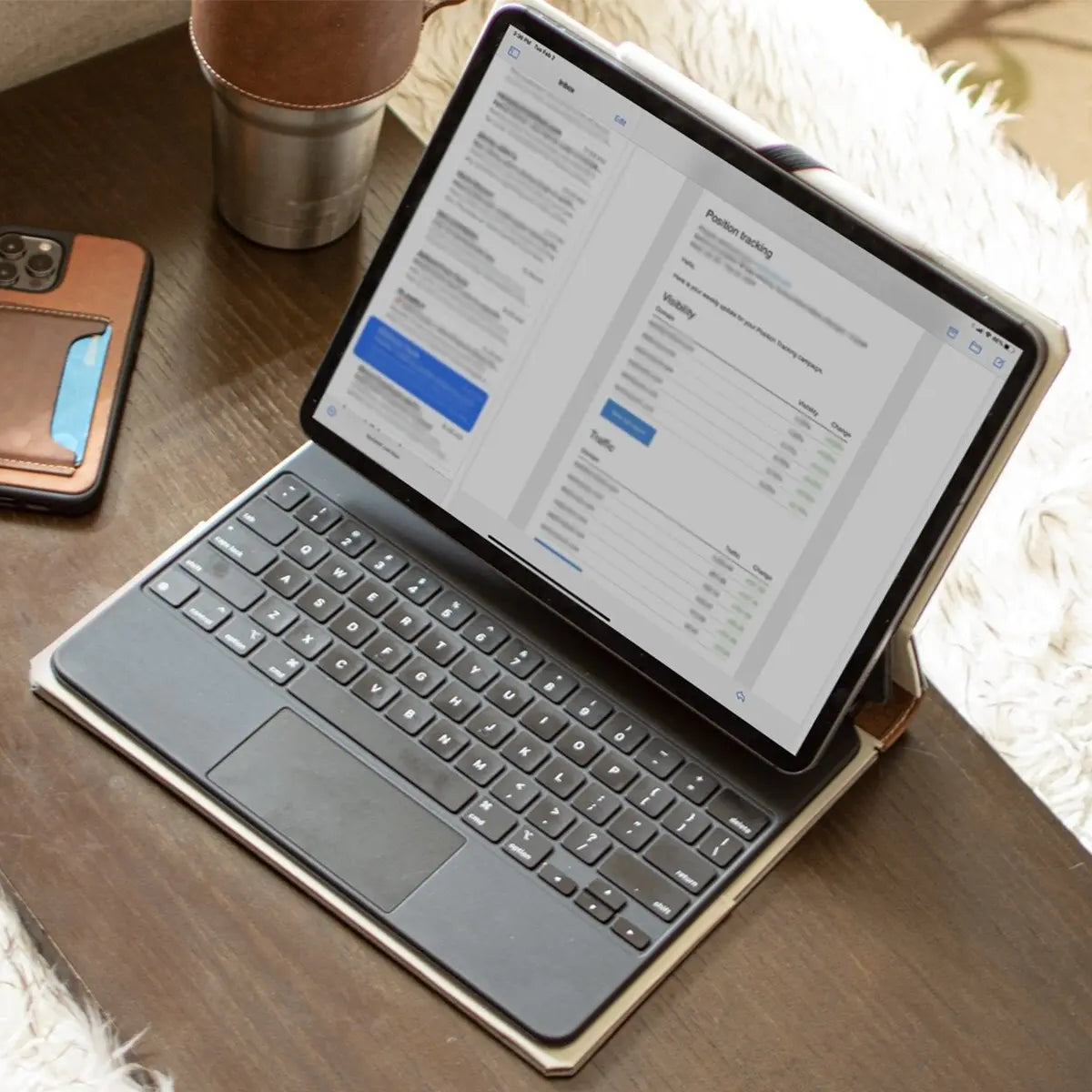
One last practical note: a display this good deserves protection to match. Our handcrafted iPad cases and sleeves are built like hardcover books using traditional bookbinding techniques, so the cover shields your Retina display in a bag or on a desk without adding tech-gadget bulk.
Frequently Asked Questions
What exactly is a Retina display?
A Retina display is Apple's brand name for screens with a pixel density high enough that human eyes cannot see individual pixels. The exact density required changes depending on how far away you hold the device. This ensures a perfectly smooth image without visible grid lines.
Are high-density screens actually better for your eyes?
Yes, high-density screens directly reduce the physical eye strain associated with reading digital text. Because the letters are incredibly sharp and free of jagged edges, your ocular muscles do not have to work as hard to maintain focus. This makes long working sessions significantly more comfortable.
Do I really need a 4K monitor if I already have a Retina screen?
You probably do not need both unless you require a larger physical workspace for your daily desktop setup. Standard 4K desktop monitors viewed from a normal distance achieve the exact same visual smoothness as a high-density laptop display. Both options provide flawless text clarity and precision.
Why do older apps look blurry on my new high-resolution screen?
Older applications use low-resolution image assets that the operating system must stretch across multiple physical pixels. Modern high-density displays require software scaled specifically for their dense hardware grids. Developers fix this issue by using vector graphics or multi-resolution files to keep everything completely sharp.
Is OLED better than a standard Liquid Retina LCD screen?
OLED technology provides infinite contrast ratios and superior black levels compared to standard LCD screens. Because OLED panels light each pixel individually, they eliminate the glowing borders around bright objects on dark backgrounds. This precise control makes media consumption and creative work much more color accurate.