
Choosing your next daily computer is a significant financial commitment, especially now that the boundaries separating high-end tablets from ultra-portable laptops are almost indistinguishable. Making the wrong choice means either overspending on unnecessary hardware or buying a device that limits your productivity.
Portable computers have transformed drastically over the past decade. Modern mobile touchscreens now rival traditional clamshells in pure performance metrics.
However, raw speed is just one part of the equation. A fundamental dilemma remains between the casual convenience of a touch-first interface and the heavy-duty utility of a desktop platform.
By analyzing how the underlying architecture and physical limitations of each option dictate daily usage, you will acquire the exact criteria needed to confidently match the ideal machine to your personal and professional routine.
Key Takeaways
- Desktop operating systems on laptops permit direct software installations and open file directories, whereas tablets restrict workflows to curated app stores and sandboxed file storage.
- Tablets utilize fanless processors optimized for silent operation and extreme battery efficiency during standby, while laptops require fans to cool high-performance components during heavy workloads.
- Laptops excel at complex multitasking by allowing users to overlap and freely resize multiple application windows across virtual desktops and external displays.
- Purchasing a tablet often requires buying expensive secondary accessories like attachable keyboards and styluses, which easily pushes the total cost past the price of a standard laptop.
- Laptops generally provide a longer usable lifespan because users can replace components like the battery and continue running standard software long after official system updates cease.
Platform Architectures and Software Ecosystems
The foundation of any computing device lies in its operating system and hardware architecture. These invisible structures define how a user interacts with the device, what software is available, and how efficiently the system handles heavy workloads.
Mobile Platforms vs. Desktop Platforms
Mobile-first platforms like iPadOS and Android are built entirely around touch inputs and streamlined user experiences. These systems prioritize simplicity and security by strictly controlling how applications interact with the operating system.
Desktop-first platforms like Windows and macOS are designed for complex inputs using a mouse and keyboard. They offer users granular control over system settings and system-wide modifications.
The method for acquiring software also differs drastically between the two. Mobile systems rely heavily on curated app stores, locking users into specific ecosystems.
Desktop platforms allow direct software installations from the web, ensuring absolute compatibility with older, legacy applications that lack modern app store equivalents.
Processor Power and Hardware Capabilities
Tablets utilize System-on-Chip configurations designed primarily for efficiency. These chips integrate the processor, graphics, and memory into a single small component.
Because they generate very little heat, tablets rely entirely on fanless passive cooling. This allows them to remain completely silent and incredibly thin.
Laptops utilize high-performance CPU and GPU configurations that draw significantly more power to handle intensive calculations. To prevent overheating during demanding tasks, laptops require active cooling systems with internal fans and larger heat sinks.
This fundamental difference in thermal design is why heavy rendering or compiling tasks are still dominated by traditional computers.
File Management Systems
Data organization separates casual usage from professional workflows. Tablets use a sandboxed, app-centric file storage system.
This means files are often tied directly to the application that created them, making it difficult to move complex assets between different programs. Laptops utilize an open directory structure.
Users can view the entire storage drive, organize files into deeply nested folders, and access local storage instantly from any application. Furthermore, laptops offer seamless external drive integration, allowing professionals to plug in terabytes of external storage and work directly off the connected drive without first importing files into an internal library.
Productivity and Software Compatibility

Hardware determines potential, but software dictates daily results. The applications available on a platform establish whether a device functions as a primary work machine or a supplementary tool for media and light tasks.
Office Application Performance
Mobile versions of Microsoft Office or Google Workspace are simplified apps tailored for touchscreens. They work exceptionally well for reading reports, drafting basic emails, or making quick text edits on the go.
Full desktop office suites provide comprehensive formatting controls and advanced macro support. Running heavy spreadsheet calculations with thousands of data points or designing highly complex, multi-layered presentations requires the processing overhead and detailed user interface elements only found on desktop platforms.
Content Creation and Design Tools
Tablets excel at highly specific creative tasks. Their touch-first interfaces and stylus support make them optimal tools for digital illustration, rapid photo retouching, and quick social media video edits.
The tactile connection of drawing directly on the glass provides a natural feel that mice and trackpads cannot replicate. However, professional video editors, software developers, and 3D modelers still rely almost entirely on desktop-class laptop hardware.
These demanding fields require advanced rendering software, vast amounts of RAM, and complex plugin ecosystems that simply do not exist on mobile platforms.
Concurrent Workflows and Multi-Window Support
Modern workflows require referencing multiple documents simultaneously. Tablets offer split-screen layouts, which effectively limit the user to viewing two or three applications at once.
These layouts often force mobile apps to resize awkwardly. Laptops provide highly efficient windowed multitasking.
Users can overlap multiple applications, freely resize dozens of active windows, and organize complex projects across multiple virtual desktops. The ability to manage extended desktop layouts across multiple connected screens makes laptops vastly superior for rapid data entry and cross-referencing.
Ergonomics, Portability, and Form Factor

Physical design directly impacts where and how a device is utilized. Weight distribution, input methods, and screen parameters define the physical boundaries of a computer in a daily routine.
Weight and Physical Dimensions
Tablets are ultra-lightweight and heavily biased toward hand-held use. Their flat, slate-like dimensions make them perfect for reading on a couch, walking around a classroom, or giving presentations while standing.
Laptops utilize a static clamshell design that provides immediate stability. While ultra-portable laptops are very light, they are primarily designed for lap-based use or desk setups.
The hinged design supports its own screen at the perfect viewing angle without requiring the user to hold the device or prop it up with an external stand.
Keyboard, Trackpad, and Stylus Inputs
Input mechanisms drastically change the pace of work. Laptops feature physical integrated keyboards with distinct tactile feedback, allowing for rapid touch typing.
Their large, built-in trackpads offer precise cursor control and multi-finger gesture support. Tablets shine through high-precision pen-and-ink capabilities.
A tablet stylus allows for handwritten notes, artistic sketching, and document signing with zero latency. When extensive typing is necessary, users must rely on secondary hardware.
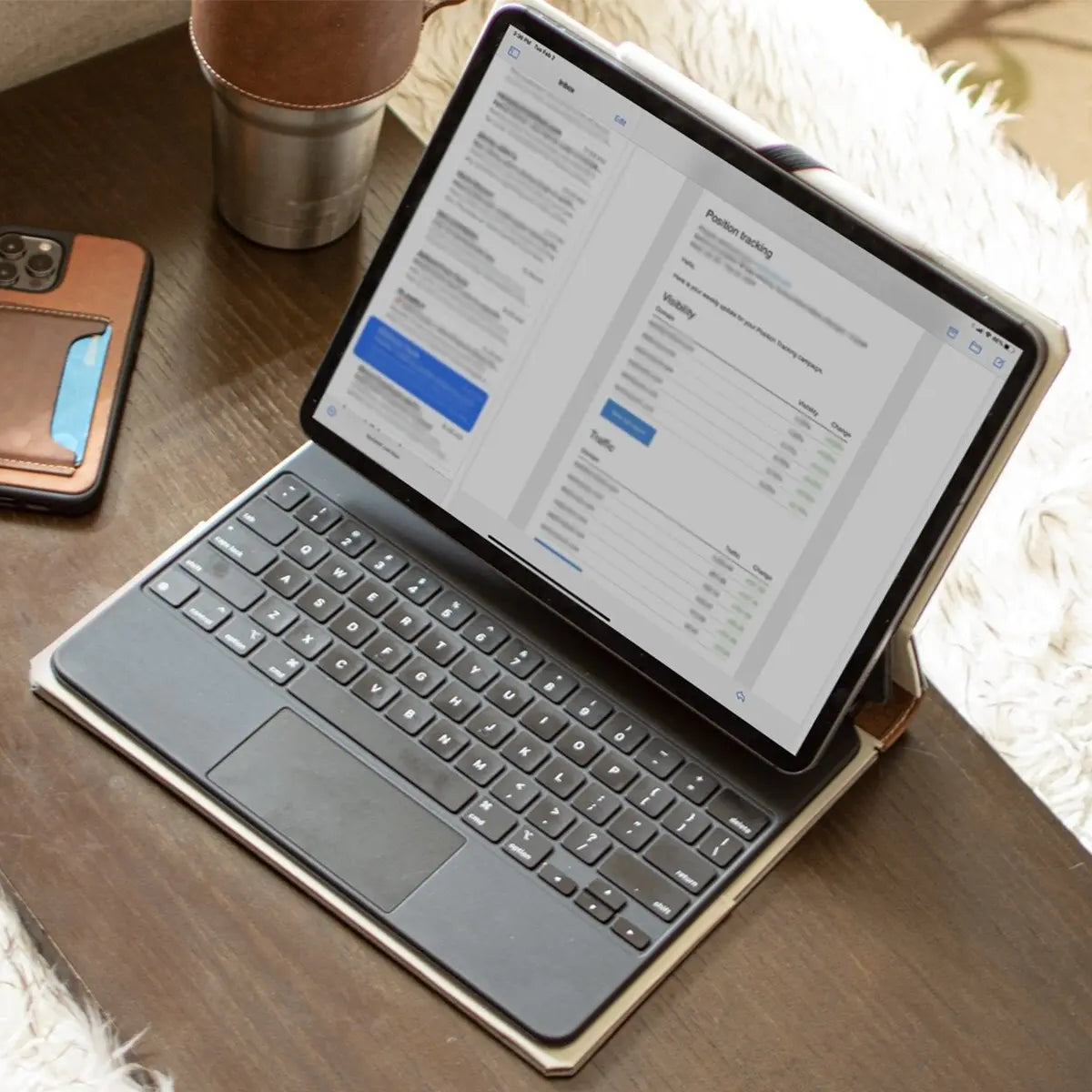
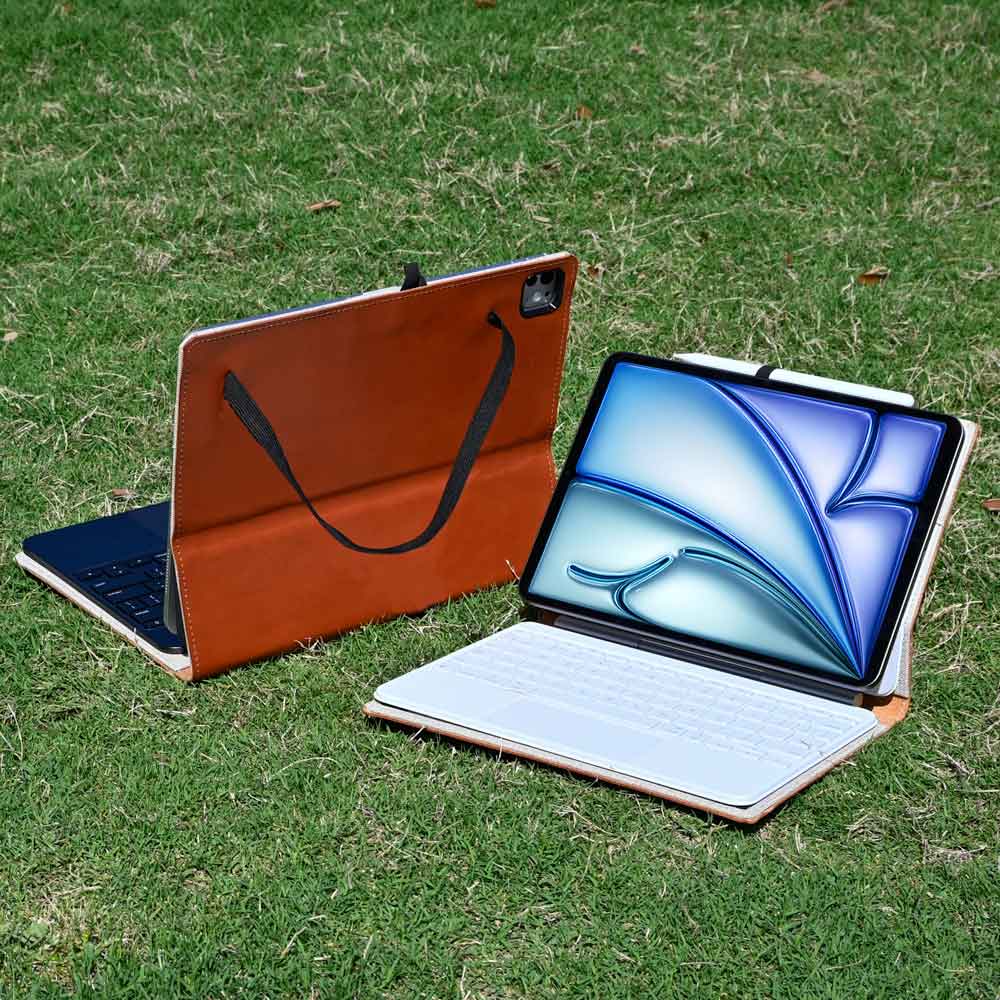
Pairing a dedicated wireless keyboard with a premium iPad leather case that serves as a sturdy stand provides both tactile feedback and a comfortable viewing angle. This combination effectively bridges the physical gap, making a mobile setup feel much closer to a true laptop replacement.
Screen Size and Display Technology
Physical screen real estate dictates visual comfort over long working hours. Tablet screen sizes typically range from 8 to 13 inches, making them highly portable but restrictive for heavy multitasking.
Laptops offer wider canvases, generally ranging from 13 to 17 inches. Aspect ratios also differ based on intended use. Tablets often use squarer aspect ratios optimized for reading digital books or scrolling through websites in portrait mode.
Laptops favor wider display panel technologies tailored for side-by-side text document editing, timeline-based video editing, and widescreen media consumption.
Battery Life, Connectivity, and Peripheral Support

A portable computer loses its value if it cannot stay powered or connect to the outside world during a busy day. Internal battery chemistry and physical ports establish how long a user can remain untethered from a desk.
Power Efficiency and Battery Longevity
Low-draw tablet chips excel at standby power consumption. A tablet can sit in a backpack for days in sleep mode and wake up with almost no battery drain.
Their daily battery life profiles are highly predictable and easily last through a full day of varied use. Laptop processors have aggressive power demands during intensive workloads.
While a laptop might claim a twelve-hour battery life, running video rendering software or complex coding environments will quickly deplete the battery in just a few hours.
Port Availability and External Displays
Connectivity bottlenecks frustrate professional workflows. Tablets typically feature a single USB-C port.
If that port is used for charging, the user cannot connect a microphone, an external hard drive, or a camera without buying additional docking hubs. Laptops feature multi-port arrays that often include full-sized HDMI ports, USB-A slots, and SD Card readers built directly into the chassis.
Laptops also handle native dual-monitor setups seamlessly, whereas mobile platforms often mirror their displays or struggle to scale correctly on ultrawide external monitors.
Cellular and Wireless Network Access
Staying connected on the move requires reliable network hardware. Tablets frequently offer built-in LTE or 5G cellular options.
This allows users to access cloud files, send emails, and browse the web from anywhere with a cellular signal. Standard laptops usually lack internal cellular modems.
They are entirely dependent on available Wi-Fi networks or forced to rely on battery-draining smartphone tethering to establish a connection in public spaces.
Total Cost of Ownership and Device Lifespan

The initial purchase price on a retail shelf rarely reflects the actual financial commitment. Hidden accessories, repair costs, and software support cycles dictate the true monetary value of a machine over its lifespan.
Base Price vs. Accessory Costs
Tablets initially appear to be highly budget-friendly. However, transforming a tablet into a productivity machine involves substantial hidden costs.
Purchasing first-party magnetic keyboards, high-end styluses, port dongles, and protective cases can easily elevate the total cost of a tablet to match or exceed the price of a premium laptop. Standard laptops offer an all-in-one out-of-the-box value proposition.
The screen, keyboard, trackpad, and ports are all included in the base price, requiring zero extra purchases to start working immediately.
Durability and Repairability
A slate of glass is inherently vulnerable. Tablets require heavy drop protection because a shattered screen often means replacing the entire device.
Repairing a tablet requires melting heavy adhesives, making simple battery swaps highly expensive or impossible for an average user. Laptops offer structural durability through their clamshell design, which naturally protects the screen while closed in a bag.
Furthermore, many laptops allow users to unscrew the bottom chassis for relatively easy keyboard replacements, internal dusting, and straightforward battery swaps.
Long-term Performance and Software Support
Mobile devices experience a distinct lifecycle tied strictly to operating system updates. Once a manufacturer stops providing OS updates, apps slowly lose compatibility, limiting the average lifespan of a tablet to just a few years of optimal performance.
Desktop platforms offer a much longer usable life. Select laptops feature upgradeability options, allowing users to slot in more RAM or larger storage drives to revive an aging machine.
Even after official software support ends, desktop operating systems retain long-term utility because they can still run local, standalone applications without relying on active app store ecosystems.
Conclusion
Choosing between these formats demands a clear assessment of your daily priorities. Tablets offer unparalleled portability and natural stylus inputs, making them the superior choice for student note-taking, digital art, and casual media consumption.
Laptops deliver massive performance advantages, complex multitasking capabilities, and robust file management systems required for heavy office work and professional software development. If your daily routine falls somewhere in the middle, hybrid two-in-one devices offer a compelling compromise.
These machines combine a traditional keyboard base with a detachable touchscreen, allowing you to switch between typing heavy reports and reviewing documents by hand without purchasing two separate computers. By accurately evaluating your primary workflow, you can select a device that actively supports your goals rather than fighting against your habits.
Frequently Asked Questions
Can a tablet completely replace a laptop for college?
A tablet can replace a laptop for college if your coursework mainly involves reading, writing essays, and taking notes. However, students in computer science, engineering, or film programs require a laptop for specialized desktop software. Checking your specific major requirements ensures you buy the correct hardware.
Why do laptops have internal fans but tablets do not?
Laptops use internal fans because their high-performance processors generate substantial heat during demanding tasks. Tablets utilize highly efficient mobile chips that produce minimal heat. This allows manufacturers to cool tablets passively without fans, resulting in completely silent operation and exceptionally thin physical designs.
Are tablets actually cheaper than standard laptops?
Tablets appear cheaper upfront but often cost the same or more once you purchase necessary accessories. Buying a high-quality magnetic keyboard, a stylus, and protective cases significantly raises the final price. Standard laptops include the screen, keyboard, and trackpad in one complete package.
Which device is better for working with multiple applications at once?
A laptop is far superior for multitasking because desktop operating systems support freely resizable windows and multiple virtual monitors. Tablets restrict you to simplified split-screen views that limit how many apps you can comfortably see. Managing vast amounts of information requires a traditional desktop interface.
How long will a tablet last compared to a laptop?
A standard laptop generally outlasts a tablet because desktop software remains usable long after official operating system updates stop. Tablets rely heavily on mobile app stores, and apps quickly lose compatibility when the tablet stops receiving system updates. Laptops also offer easier battery replacements.