
Dropping over a thousand dollars on a tablet represents a serious financial decision, especially when figuring out if top-tier specs genuinely improve daily tasks or simply look impressive on paper. Paying a heavy premium for extreme processing power creates a frustrating mismatch when routine habits mostly consist of web browsing, video streaming, and taking quick notes.
Apple’s flagship tablet dazzles with its ultra-thin chassis, fluid high-refresh display, and blazing fast chipsets, but mobile software restrictions often prevent those components from working at full capacity. Weighing pure hardware muscle against daily software constraints and lower-cost alternatives provides complete perspective, helping buyers avoid overspending on excessive computing power they will never actually use.
Key Takeaways
- Everyday tasks like web browsing, streaming, and light note-taking barely utilize the computational potential of M-series chips, leaving high core counts idle.
- iPadOS software constraints restrict full desktop-class multitasking and file management, preventing the tablet from replacing a traditional computer for complex workflows.
- Adding essential official accessories like the Magic Keyboard and Apple Pencil can easily push the total cost above that of a thin-and-light laptop like the MacBook Air.
- The 120Hz ProMotion display and tandem OLED visuals offer fluid scrolling and vivid media playback, but these hardware luxuries are unnecessary for static reading or basic web use.
- Non-professional users achieve better overall financial value by choosing mid-tier models like the iPad Air or entry-level options, reserving the flagship tablet for intensive creative work.
Definition of Daily Tasks vs. Pro Capabilities
Understanding what separates basic tablet activities from heavy professional workloads helps clarify where high-end hardware truly shines. Most consumers operate within a predictable set of lightweight applications, while specialized creators demand computing performance that stretches hardware to its limits.
Scope of Everyday Tasks
For the vast majority of owners, a tablet serves as an intuitive personal device for casual consumption and lightweight productivity. Daily routines center around web browsing, streaming high-definition video, reading news feeds, and checking email.
Social media scrolling, online shopping, and casual note-taking during meetings or classes also fit squarely into this category. These activities place minimal demands on a system, requiring modest memory and basic graphical output to deliver a smooth experience.
Scope of Professional Workloads
Professional workloads demand resources that far exceed basic media playback and text entry. Creative specialists use high-end hardware for editing multi-cam 4K or 8K video streams, rendering complex 3D objects, and designing intricate vector graphics with hundreds of layers.
Audio engineers rely on raw processing speed to handle multi-track sound recording with real-time effect plugins. These tasks tax the processor and graphics engine continuously, benefiting directly from high memory bandwidth and specialized hardware accelerators.
The M-Series Processing Power Gap
Apple Silicon chips provide immense computational power that far surpasses what routine activities require. When streaming a movie or responding to messages, an M-series processor operates at a tiny fraction of its maximum capacity, leaving vast amounts of performance completely untapped.
The headroom built into these processors ensures responsiveness, yet basic applications simply cannot leverage the high core counts and advanced graphical engines. For everyday tasks, the performance difference between an entry-level processor and an M-series chip remains virtually imperceptible.
Key Hardware Features and Everyday Utility

Hardware enhancements often define the allure of premium tablets, promising superior visual fidelity, audio output, and build quality. Evaluating how these physical attributes translate to daily comfort helps determine whether the premium price tag offers tangible value.
ProMotion Display and Visual Quality
High refresh rate displays with 120Hz ProMotion technology deliver fluid motion when scrolling through web pages and documents. Modern panels, such as tandem OLED or Mini-LED, produce deep blacks, vibrant contrast, and impressive peak brightness levels that enhance movie watching.
However, for static reading, typing documents, or checking email, the benefits of advanced screen technology become subtle. Standard 60Hz displays handle everyday reading and media playback comfortably, making high-end panels a luxury rather than a functional necessity for standard routines.
Audio Quality and Build Construction
Quad-speaker arrays offer rich, immersive sound that easily outperforms standard single or dual-speaker setups, making video calls and casual music listening far more enjoyable. Coupled with studio-quality microphone arrays and an ultra-thin aluminum chassis, the hardware feels undeniably refined.
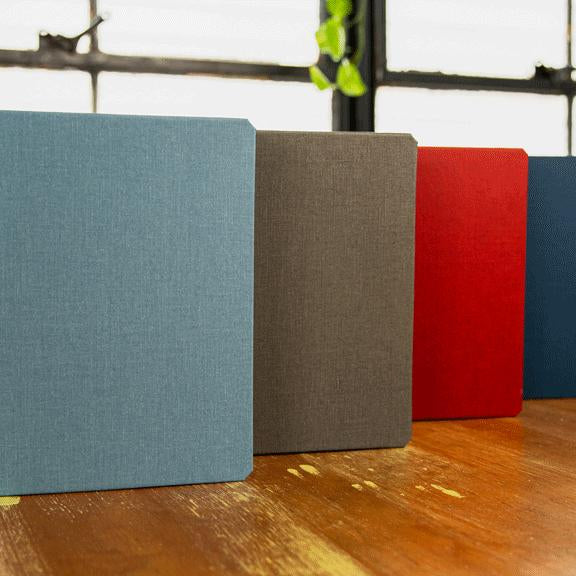
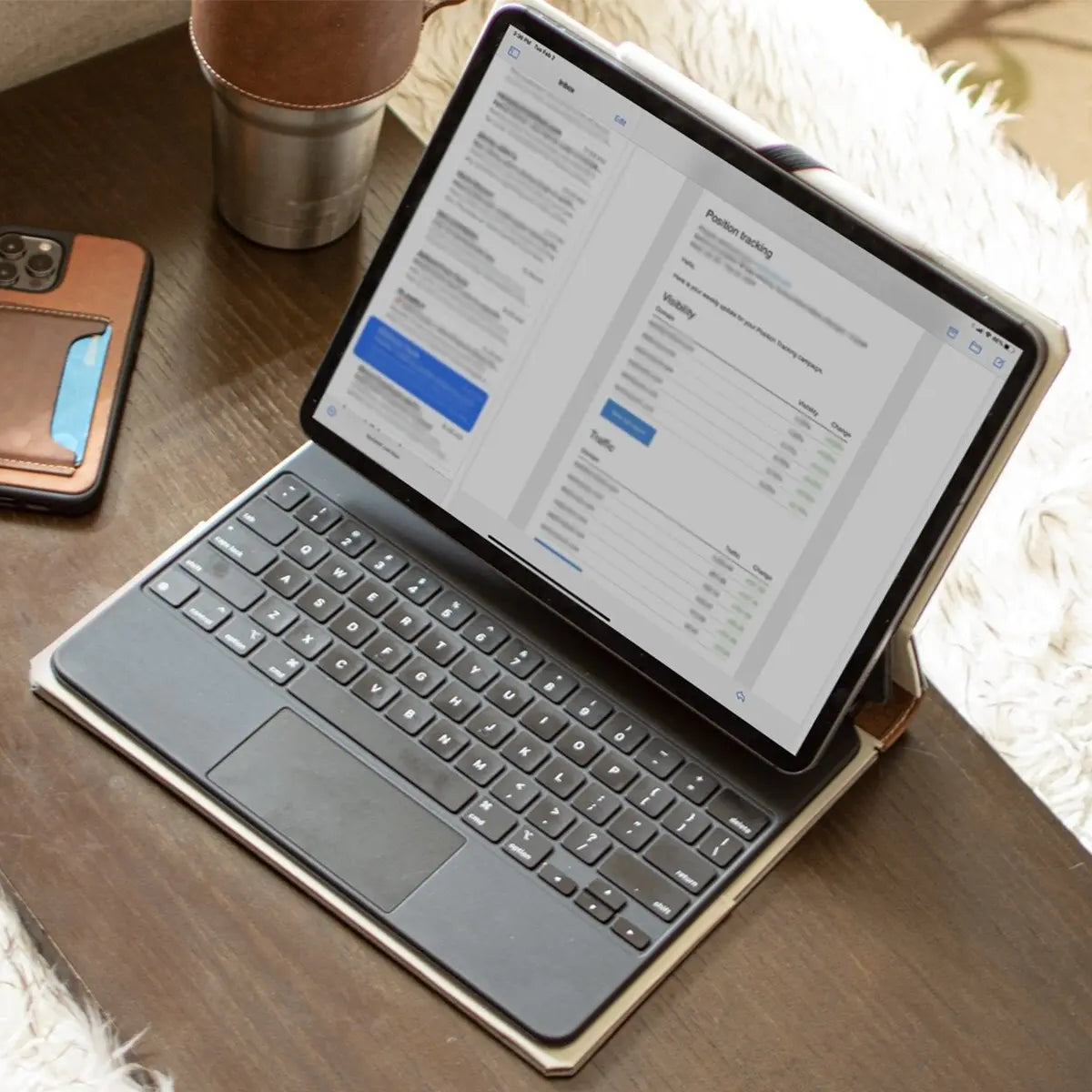
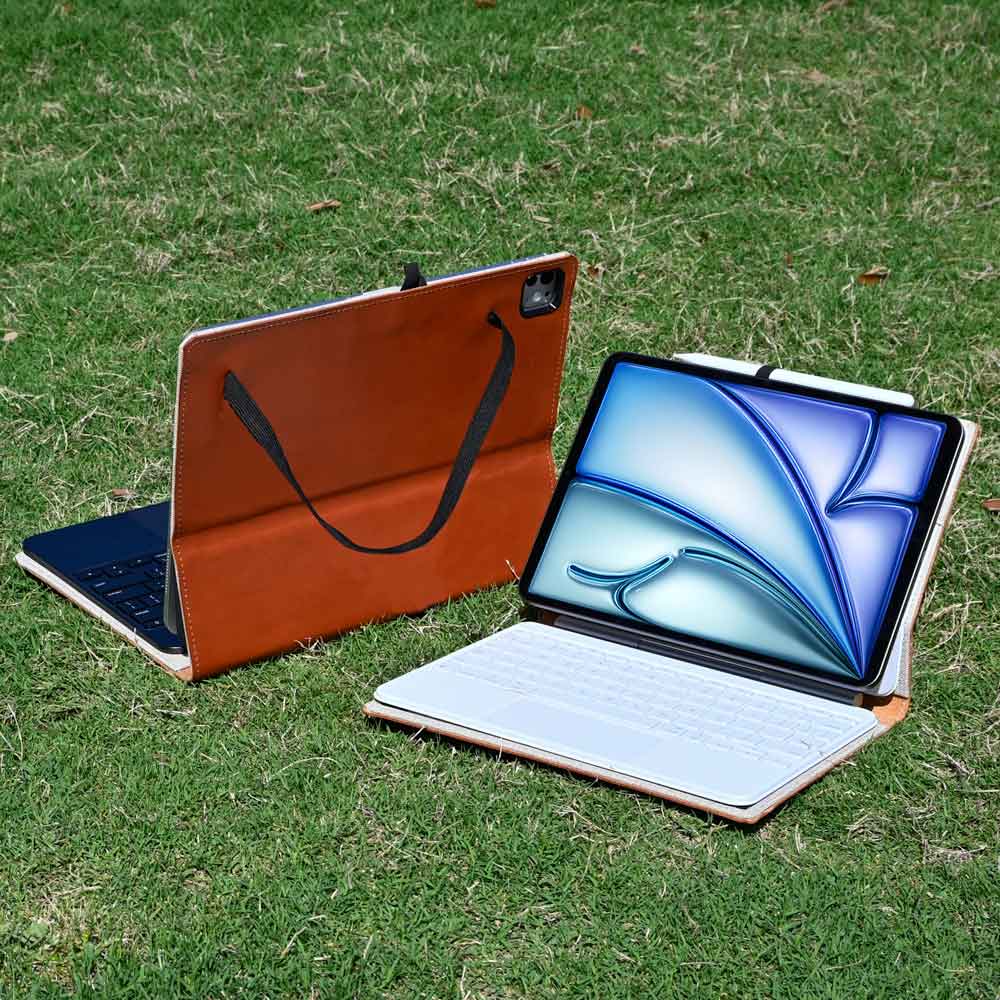
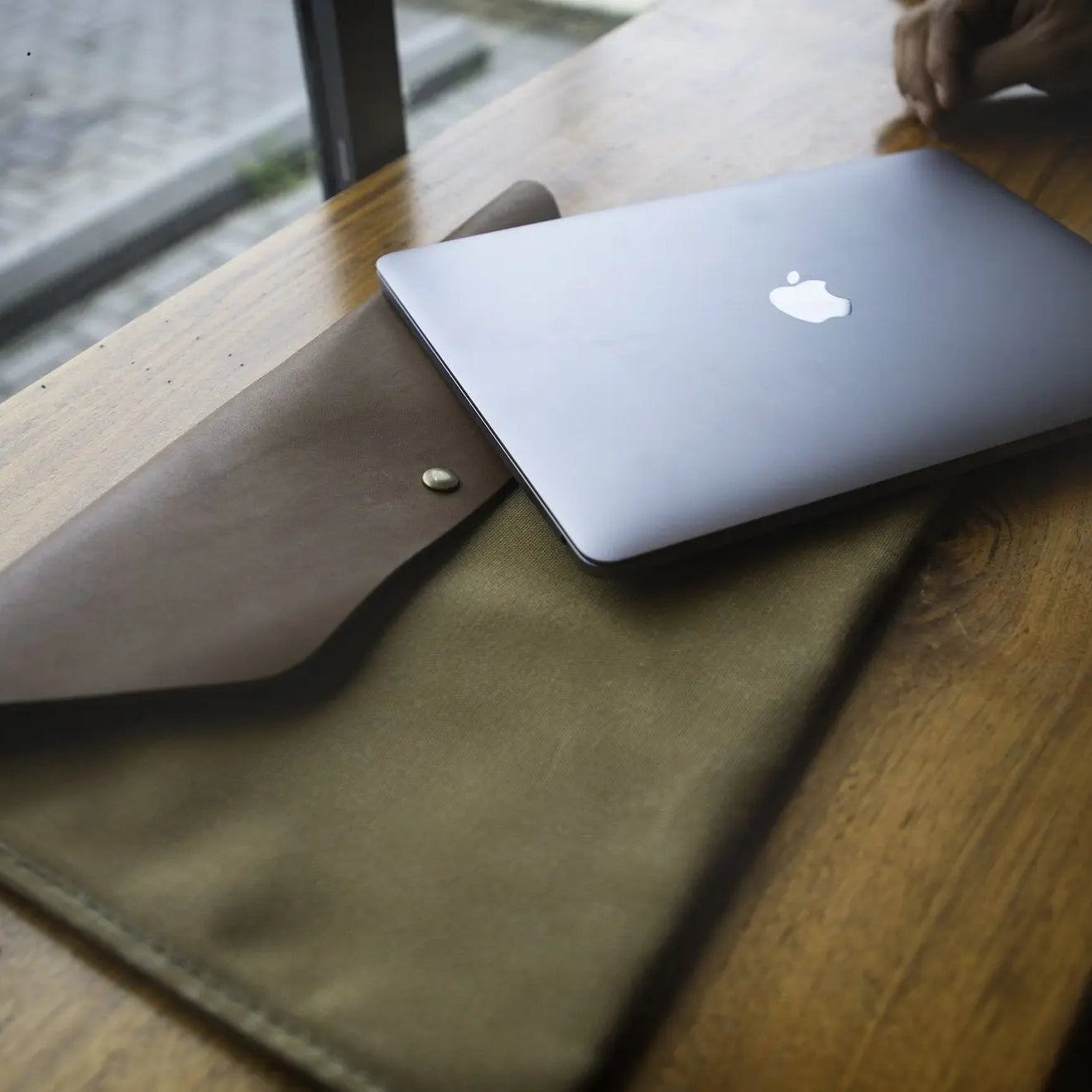
To safeguard that sleek aluminum body during daily carry, many owners pair their device with protective leather iPad cases, which preserve the slim profile while matching its executive aesthetic. While these physical attributes enhance overall build quality and style, they primarily elevate comfort rather than expand what the device can actually accomplish during ordinary tasks.
Accessory Ecosystem Costs
Maximizing utility often requires purchasing separate official accessories, which significantly increases total expenditure. Adding a Magic Keyboard provides a full backlit keyboard and haptic trackpad, transforming the tablet into a laptop-like machine for typing.
The Apple Pencil caters to handwriting and sketching, though users who only take occasional notes may find basic stylus options sufficient. Adding these items can raise the total cost well beyond that of a standalone laptop, altering the value proposition for non-professional users.
Software Limitations and Usability Constraints

Advanced hardware capabilities mean little if the operating system limits productivity. Operating systems designed around touch interactions introduce specific structural trade-offs when applied to traditional desktop workflows.
iPadOS Capabilities and Constraints
Despite running on desktop-class processors, iPadOS maintains a mobile-first foundation that restricts full hardware utilization. Operating system boundaries limit background processing, file access depth, and external monitor support compared to traditional desktop operating systems.
Power users often encounter software bottlenecks when attempting complex file management or running full desktop applications, leaving powerful hardware constrained by system-level boundaries.
Multitasking Features
Tools like Stage Manager attempt to bring window-based multitasking to the tablet interface, allowing users to resize and overlap application windows. While this feature improves switching between active apps, it remains less flexible than window management on macOS or Windows.
Desktop systems allow effortless placement, pinning, and rapid window organization across multiple screens, whereas tablet multitasking retains rigid layout constraints that can slow down heavy workflows.
Tablet versus Laptop Ergonomics
A tablet paired with a keyboard case presents unique physical and functional trade-offs compared to a standard clamshell laptop. While touch interaction offers unmatched flexibility for reading and hand drawing, laptop designs offer better stability when typing on a lap or uneven surfaces.
File system management on tablets also requires more steps for organizing, batch-renaming, or moving large file directories. For heavy text input and complex file manipulation, traditional laptops maintain a clear advantage in physical comfort and operational speed.
Cost-to-Value Assessment and Longevity

Evaluating the overall financial commitment of high-end hardware requires looking beyond the initial sticker price. True expense includes mandatory storage upgrades and necessary peripherals, balanced against expected physical durability and years of software support.
Total Cost of Ownership
Purchasing a top-tier tablet involves significantly more than paying for the base model. Base storage tiers often fill up quickly with high-resolution media and modern app installations, forcing buyers toward pricier higher-capacity models.
Furthermore, unlocking full productivity requires adding essential accessories like a keyboard cover and a stylus. When adding taxes, upgraded storage, and official peripherals, the final price frequently exceeds that of many premium thin-and-light laptops, altering the financial calculation for buyers seeking a simple daily device.
Hardware Future-Proofing and Durability
One argument for choosing premium devices is their extended operational lifecycle. High-end processors and premium build materials ensure that the hardware remains physically resilient and responsive for many years.
Operating system updates continue for extended periods, allowing older flagship hardware to receive security patches and performance optimizations long after launch. While this high level of durability offers long-term reliability, lower-cost models in the product line receive similar multi-year software support, diminishing hardware endurance as a sole justification for the higher initial cost.
Return on Investment for Non-Professional Users
Calculating value depends entirely on how effectively hardware capabilities translate into personal utility. For professionals editing high-bitrate video or handling heavy digital artwork, time saved directly translates into financial value.
For non-professional users engaged in web browsing, document editing, and video consumption, the ultra-fast processor and specialized display engines deliver virtually identical practical outcomes compared to standard models. Paying a premium for unused processing overhead results in a lower return on investment for standard day-to-day routines.
Comparison of Alternatives and Buyer Profiles

Selecting the ideal device involves matching individual habits with the appropriate tier of performance and functionality. Apple offers a structured lineup ranging from entry-level tablets to powerful laptops, ensuring that every user type can find a balance between performance and cost.
Mid-Tier Alternatives
The iPad Air represents a balanced middle option for users who want modern design and strong performance without extreme pricing. It incorporates desktop-class processors and supports high-end peripherals like the Magic Keyboard and Apple Pencil, matching most capabilities needed for everyday multitasking and moderate creative projects.
For standard tasks, it provides a nearly identical user experience to flagship models while saving buyers a substantial amount of money.
Entry-Level Options
The standard iPad remains the practical choice for basic digital consumption and light productivity. It easily handles web browsing, social media, video calls, media streaming, and document creation.
While it lacks high refresh rate displays and the thinnest possible bezels, its underlying hardware handles standard applications with fluid performance. For users who view a tablet as a secondary media and reading device, the base model delivers exceptional financial value.
Laptop Alternatives
For users prioritizing productivity, file management, and typing comfort over touch input, a traditional laptop like the MacBook Air presents a compelling alternative. Laptops provide a full-featured desktop operating system, superior keyboard stability on lap surfaces, multi-monitor flexibility, and excellent battery endurance out of the box.
At a price comparable to or lower than a fully outfitted flagship tablet with a keyboard case, a traditional laptop offers superior operational efficiency for traditional workflows.
Target Buyer Profiles
Identifying personal usage patterns helps determine which device tier makes sense. The top-tier tablet belongs in the hands of creative professionals, digital artists, and power users who actively rely on high-performance graphical processing, extreme display accuracy, and specialized stylus input.
Conversely, general consumers, students, and light productivity users will find better overall value in mid-tier or entry-level tablets, or in a lightweight laptop if heavy typing and file organization dominate their daily routine.
Conclusion
For everyday activities like web browsing, streaming video, and managing email, the iPad Pro is an excessive purchase that far exceeds normal user needs. While its M-series processor, high-refresh OLED display, and quad-speaker sound system deliver exceptional hardware refinement, iPadOS imposes software boundaries that limit desktop-level multitasking and file management.
Combining the high initial base price with mandatory storage upgrades and necessary peripherals creates a total cost that rivals or surpasses a full laptop. Unless your daily routine centers on intensive 4K video rendering, 3D modeling, or multi-layer digital illustration, choosing a mid-tier tablet or a traditional laptop offers far better value without sacrificing practical daily utility.
Frequently Asked Questions
Is the iPad Pro worth buying if I only use it for streaming and web browsing?
No, buying an iPad Pro solely for streaming and web browsing is not worth the expense. Standard web activities and media playback run smoothly on entry-level tablets, which cost a fraction of the flagship price. You pay heavily for advanced processing power and screen technology that everyday entertainment tasks never actually utilize.
Can an iPad Pro completely replace my laptop for work?
An iPad Pro can only replace a laptop if your work consists of basic document editing, web tasks, or touch-based creative work. iPadOS lacks full desktop file management, advanced multi-window organization, and broad software compatibility. For heavy text input, programming, or complex file structures, a standard laptop remains far more efficient.
Why should I get an iPad Air instead of an iPad Pro?
The iPad Air offers nearly identical performance for daily tasks at a significantly lower price point. It features desktop-class processing power and supports the same official keyboard and pencil accessories as the higher-tier model. Unless you specifically require 120Hz ProMotion screens, OLED visuals, or maximum storage options, the Air is the smarter value.
Does the Apple Pencil and Magic Keyboard come with the iPad Pro?
No, the Apple Pencil and Magic Keyboard are sold separately and add several hundred dollars to the total device cost. While these accessories expand typing comfort and drawing capabilities, purchasing both alongside the tablet increases the total price to a level that often exceeds a comparable thin-and-light laptop.
How long will an iPad Pro stay fast and updated?
An iPad Pro typically receives software updates and performs smoothly for six to eight years. High-end hardware components and powerful processors ensure long physical lifecycles and stable operation. However, lower-cost iPad models enjoy similar software update lifecycles, meaning long-term support alone does not justify the higher initial purchase price.