
Apple offers two compelling mid-range tablet options for shoppers who want powerful hardware without paying premium Pro prices. The compact iPad Mini emphasizes lightweight portability and single-handed use, while the larger iPad Air delivers desktop-style computing power alongside a generous display.
Choosing between these models requires balancing travel convenience against the need for faster processing speeds, extensive multitasking, and full-sized typing accessories. From students taking lecture notes and professionals managing spreadsheets to casual readers relaxing at home, each user group has distinct hardware priorities.
Key Takeaways
- Form Factor and Portability: The iPad Mini features an 8.3-inch display and weighs under 0.66 pounds for easy one-handed reading, while the iPad Air comes in 11-inch and 13-inch sizes designed for side-by-side multitasking.
- Processing Capabilities: The iPad Mini utilizes an A-series chip built for responsive everyday mobile tasks, whereas the iPad Air incorporates a desktop-class M-series processor capable of sustaining intensive creative workloads.
- Accessory Integration: Both models support the precision features of the Apple Pencil Pro, but only the iPad Air includes dedicated docking connectors for the floating Magic Keyboard with a built-in trackpad.
- Display Multitasking: The iPad Air supports Stage Manager for full multi-window arrangements and extended desktops on external monitors up to 6K resolution, while the iPad Mini is restricted to basic display mirroring.
- Overall Investment: The iPad Mini provides a more affordable entry point for pocketable note-taking, whereas the iPad Air requires a higher base investment that increases further when adding full workstation peripherals.
Design, Form Factor, and Display Specifications
Physical size and display dimensions represent the most immediate contrast between these two devices. Apple built the iPad Mini for maximum portability, whereas the iPad Air balances screen real estate with everyday mobility across two distinct chassis sizes.
Physical Dimensions and Portability Comparison
The iPad Mini features an 8.3-inch screen and weighs less than 0.66 pounds (under 300 grams), making it exceptionally light. Its compact footprint measures roughly 7.7 inches tall and 5.3 inches wide.
This modest profile fits effortlessly into small purses, sling bags, cargo pockets, or heavy winter coat pockets.
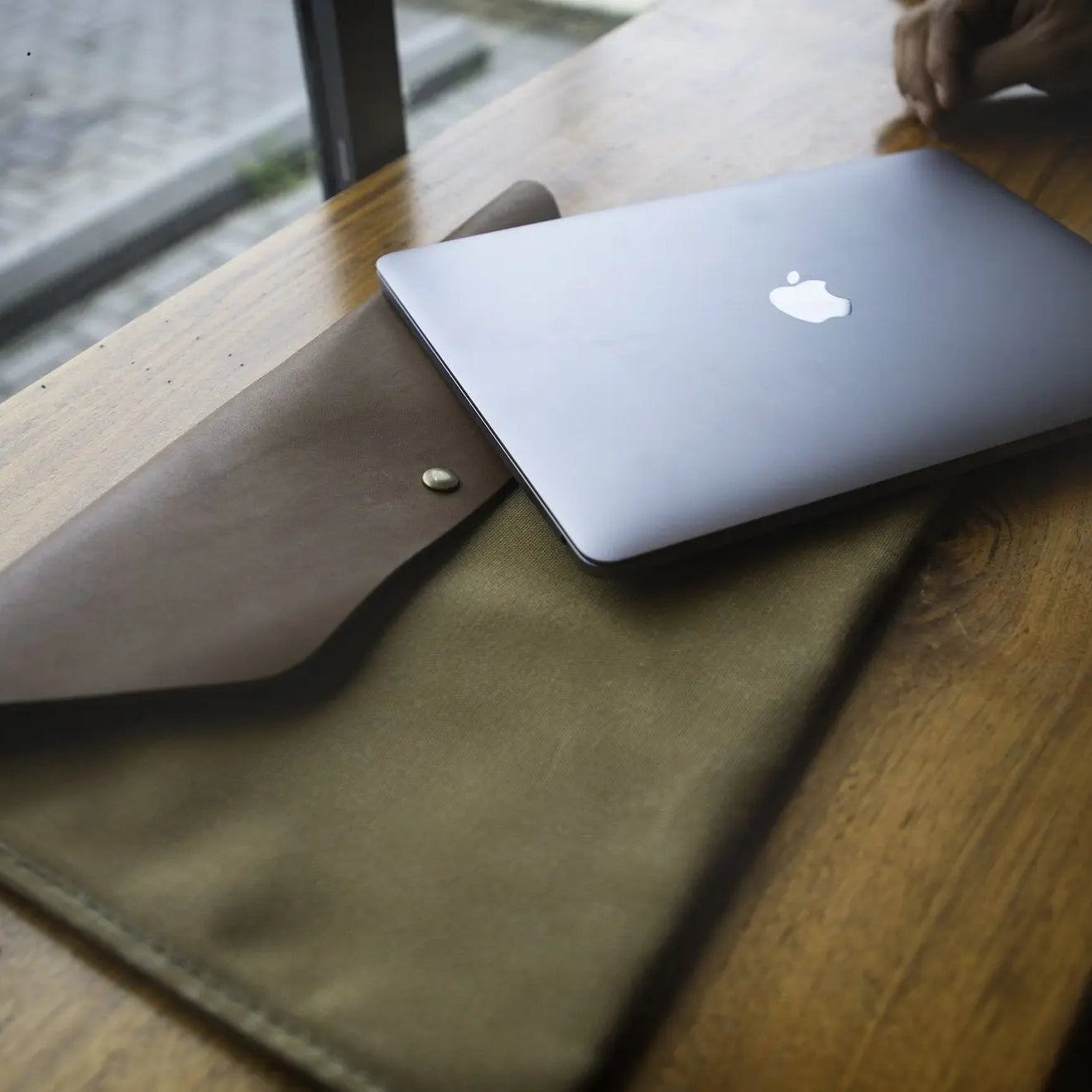
In contrast, the iPad Air comes in two sizes: an 11-inch model weighing approximately 1.02 pounds (462 grams) and a 13-inch model weighing 1.36 pounds (617 grams). While both Air models remain remarkably slim, their broader surface dimensions require a standard backpack, briefcase, or dedicated computer sleeve for transport.
Screen Area and Pixel Density Analysis
Display dimensions directly affect how much content fits on the screen at one time. The iPad Mini utilizes a Liquid Retina panel with a 2266-by-1488 resolution.
It boasts 326 pixels per inch, which produces sharp text and crisp images during close-up viewing. However, the smaller physical surface limits split-screen viewing, as running two apps side by side compresses text and toolbars into narrow windows.
The 11-inch and 13-inch iPad Air models feature Liquid Retina screens with a pixel density of 264 pixels per inch. Although slightly lower in pixel density than the Mini, the visual clarity remains sharp at typical viewing distances.
The Air provides substantially more usable canvas space, giving you ample room to view full documents, display detailed web pages, and operate two full-sized apps next to each other without feeling cramped.
Ergonomics and Single-Hand Comfort
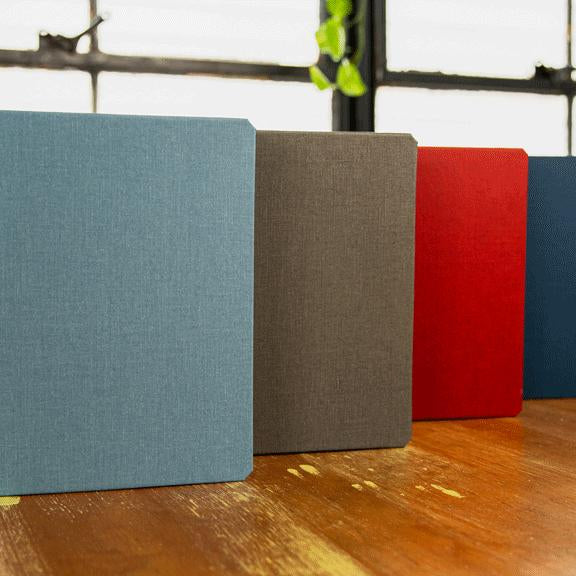
The iPad Mini excels at single-handed operation. You can comfortably hold it in one hand while reading e-books, checking off checklists, or scrolling through web feeds. Pairing the device with a slim iPad Mini leather case adds tactile grip and scratch protection without adding noticeable weight.
The iPad Air requires two hands for stable handheld interaction. Holding the 11-inch or 13-inch model with a single hand while writing or drawing quickly leads to finger strain and wrist fatigue.
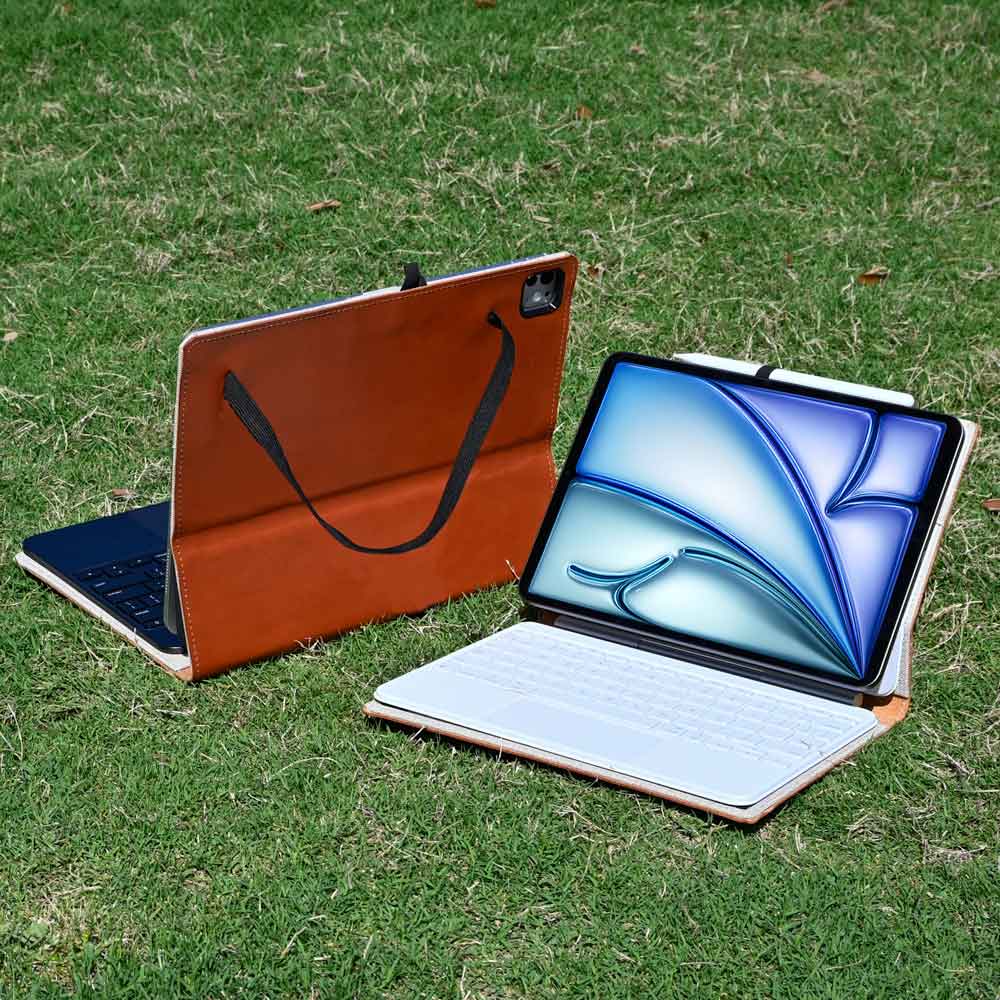
The Air delivers its best physical experience when resting flat on a desk, propped up in an adjustable iPad Air leather case, or attached to a typing stand.
Processor Architecture and System Performance

Under the hood, these tablets run on distinct silicon architectures tailored to different computing demands. The choice between mobile-tier and desktop-tier processing dictates how each device handles continuous workloads and system memory.
A-Series versus M-Series Silicon Comparison
The iPad Mini runs on an advanced A-series processor, built on the efficient architecture originally engineered for high-end smartphones. It delivers brisk speeds for web browsing, streaming media, light image editing, and standard mobile applications.
Daily interactions feel immediate, with smooth animations and minimal app load times.
The iPad Air houses a desktop-grade M-series chip. This processor includes high-performance compute cores and a powerful graphics engine capable of handling intensive computing tasks.
It processes complex audio arrangements, multiple 4K video streams, and advanced graphic design software with the speed found in modern desktop computers.
Thermal Management and Sustained Workload Capacity
Both tablets use fanless aluminum enclosures to silently manage heat dissipation. Because the iPad Mini possesses a smaller surface area, continuous processing demands cause internal heat to build up more quickly.
During heavy tasks like lengthy video exports or high-frame-rate 3D gaming, the Mini reduces clock speeds over time to maintain safe operating temperatures.
The larger aluminum chassis of the iPad Air provides a much wider surface to disperse heat away from the processor. This improved thermal headroom allows the M-series chip to sustain peak performance for longer durations during demanding rendering jobs, complex simulations, and extended creative sessions without noticeable slowdowns.
Unified Memory and Apple Intelligence Support
Both tablets supply 8GB of unified memory, meeting the hardware requirements for Apple Intelligence. These built-in machine learning capabilities enable system-level writing assistance, image generation tools, and contextual Siri requests processed directly on the device.
The iPad Air benefits from the superior memory bandwidth of its M-series architecture. This expanded data throughput keeps more apps running actively in the background, ensuring you can switch between large spreadsheets, web browsers, and media editors without triggering automatic page refreshes or app reloads.
Accessory Support and Workspace Utility

Peripheral accessories transform a basic tablet into a specialized creative studio or a versatile typing station. Differences in accessory integration define the functional boundaries of each model.
Apple Pencil Pro Capabilities and Precision Control
Both the iPad Mini and iPad Air support the Apple Pencil Pro, giving you access to precise drawing and writing features. The stylus includes a squeeze sensor to open tool palettes, built-in haptics that confirm selections with tactile clicks, and a gyroscope for barrel roll control over shaped brushes.
The experience differs based on screen size. The iPad Mini functions like a pocket notebook, making it ideal for quick handwritten notes, marking up PDF documents, and sketching fast ideas on the go.
The iPad Air provides a spacious digital canvas where artists can rest their palms comfortably, navigate wide illustration layers, and work on intricate line art without frequent zooming.
Keyboard Options and Trackpad Integration
Typing configurations create a stark divide between these two models. The iPad Air features a dedicated magnetic connector that supports Apple's floating Magic Keyboard.
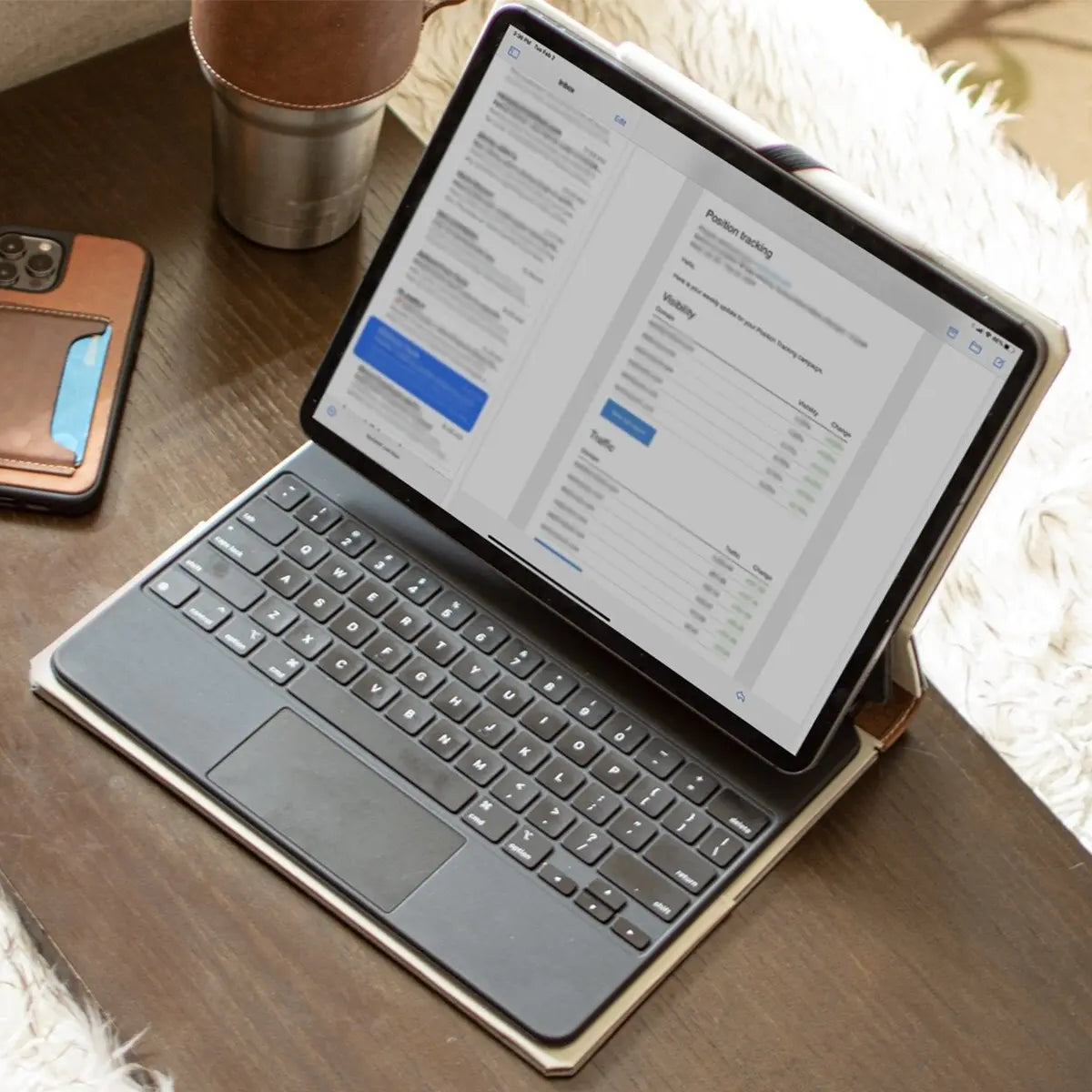
This accessory provides full-sized backlit buttons, a physical trackpad, an integrated USB-C passthrough charging port, and an adjustable cantilever stand that turns the tablet into a laptop-style workstation.
The iPad Mini lacks dedicated docking connectors for full-sized typing docks. Using the Mini for long writing sessions requires pairing a detached Bluetooth accessory or relying on third-party keyboard cases with tightly spaced buttons that feel cramped during prolonged typing.
External Monitor Output and Stage Manager Functionality
The iPad Air supports Stage Manager, Apple's advanced multitasking system that allows overlapping application windows. When connected to a compatible external display through USB-C, the Air extends its workspace onto monitors up to 6K resolution.
You can run up to four separate windows on the iPad and four on the external monitor simultaneously, complete with mouse and keyboard controls.
The iPad Mini does not support Stage Manager windowing or extended desktop displays. Connecting the Mini to an external monitor produces simple video mirroring, duplicating the tablet's native 8.3-inch screen aspect ratio on the larger display with vertical black bars on either side.
User Personas and Primary Target Audiences

Selecting the ideal tablet depends on your specific daily habits, preferred working environments, and the nature of your primary tasks.
Mobile Note Enthusiasts and Commuters
The iPad Mini fits travelers, pilots, logistics workers, and daily commuters who prioritize maximum mobility. Its compact size allows one-handed operation on crowded subway trains, easy stowage inside small bags, and effortless retrieval for quick reading in cramped airplane seating.
It functions exceptionally well as a portable e-reader, a pocket-sized notepad for daily tasks, and a dedicated entertainment screen during daily travel.
Students and Document Multitaskers
Students and office workers who handle multiple documents benefit greatly from the iPad Air. Its spacious screen accommodates two full apps side by side, allowing you to view a digital textbook or lecture stream while taking notes in a separate window.
When paired with a dedicated typing dock, the 11-inch or 13-inch Air handles essay composition, research collection, and email management as a reliable primary school or work device.
Visual Artists and Media Consumers
Visual creators and media enthusiasts find a natural fit in the iPad Air. Graphic artists and video editors gain the physical screen space necessary to manipulate complex drawing layers and scrub through detailed video timelines.
For entertainment, the larger display options and wider stereo speaker separation deliver an immersive viewing experience for movies and streaming shows that the smaller screen cannot match.
Financial Investment and Value Assessment

Evaluating the cost of each tablet involves balancing base retail prices against additional expenses for necessary storage and hardware accessories.
Base Retail Prices and Storage Tiers
The iPad Mini offers a lower entry price, starting at $599 with 128GB of base storage, making it the more accessible gateway to modern tablet capabilities. Users can upgrade internal storage to 256GB or 512GB for an additional cost to accommodate larger local media libraries and offline documents.
The iPad Air requires a higher upfront financial commitment. The 11-inch base model starts at $749 for 128GB of storage, while the 13-inch model commands a substantial premium, starting at $949.
The Air also offers storage tiers scaling up to 1TB, providing extensive local capacity for large media projects at higher price brackets.
Total Package Expense with Key Peripherals
The total price of a tablet setup often depends on external hardware. For the iPad Mini, most owners only purchase a protective case and an Apple Pencil Pro, keeping additional gear expenses modest.
Outfitting the iPad Air as a complete computing replacement involves higher accessory investments. Adding both the Apple Pencil Pro and the Magic Keyboard significantly increases the total purchase price, sometimes pushing the total investment close to the cost of a standard laptop.
Expected Hardware Lifespan and Resale Value
Both tablets enjoy strong long-term value thanks to Apple's sustained software support and durable build quality. The iPad Air's M-series silicon shares its core architecture with Mac computers, ensuring the hardware remains capable of running demanding future operating system updates without performance degradation.
The iPad Mini maintains strong resale value in secondary markets because it occupies a unique niche as a premium small tablet with minimal direct competition. The iPad Air holds consistent trade-in value across standard computing markets due to its broad appeal among students and working professionals.
Conclusion
Selecting the right tablet comes down to choosing between unmatched handheld mobility and expansive desktop versatility. The iPad Mini is the superior choice for commuters, field workers, and avid readers who value a lightweight device that fits into a coat pocket and handles single-handed use with ease.
In contrast, the iPad Air serves as a true laptop alternative for students, artists, and professionals who need a larger canvas for side-by-side apps, full Stage Manager external display capabilities, and dedicated Magic Keyboard support. If your daily routine prioritizes extreme portability and note-taking on the move at a lower starting price, choose the iPad Mini.
If your computing needs require heavy creative workloads, extensive multitasking, and full workstation ergonomics, investing in the iPad Air is the better path.
Frequently Asked Questions
Can I use the Apple Pencil Pro on both the iPad Mini and iPad Air?
Yes, both the iPad Mini and the iPad Air support the Apple Pencil Pro. This allows you to use advanced features like the squeeze gesture, haptic feedback, and barrel roll on either tablet. The main difference is the canvas size, with the Air offering more drawing space.
Does the iPad Mini work with Apple's Magic Keyboard?
No, the iPad Mini does not support Apple's floating Magic Keyboard. It lacks the built-in magnetic connectors required for direct docking accessories. To type comfortably on the iPad Mini, you must connect a standalone wireless Bluetooth accessory or use a compatible third-party case.
Can I connect the iPad Mini to an external monitor like a computer?
No, the iPad Mini only mirrors its screen on an external display rather than extending it. Unlike the iPad Air, which uses Stage Manager to create a multi-window desktop across external monitors up to 6K resolution, the Mini simply duplicates its 8.3-inch screen with black borders.
Is the iPad Air better than the iPad Mini for college students?
Yes, the iPad Air is significantly better suited for college students than the iPad Mini. Its larger display allows you to comfortably run textbook apps next to note documents simultaneously. Additionally, its compatibility with full-sized typing docks allows it to function effectively as a primary campus laptop.
Which tablet is better for playing high-end 3D games?
The iPad Air is better for intensive 3D gaming due to its desktop-class processor and superior thermal management. While the iPad Mini runs games smoothly, its smaller body heats up faster during extended sessions. The Air maintains stable frame rates longer and offers a much more immersive screen.