
Apple offers several tablet models, and choosing between the standard iPad (11th Generation) and the iPad Air (M4) can be tricky. Both devices now start with 128GB of internal storage, but their inner components set them apart.
While the basic iPad targets everyday household tasks, the iPad Air packs desktop-class processing and advanced display technology for demanding workloads. Choosing the right device requires looking closely at screen construction, processing speed, artificial intelligence support, and accessory options.
By reviewing panel designs, system chips, software features, and total ownership costs, buyers can decide which tablet matches their daily routine.
Key Takeaways
- Both tablets start with 128GB of baseline storage, eliminating the restrictive 64GB ceiling and leaving around 100GB of usable room for personal files, apps, and offline media.
- The standard iPad runs the mobile-focused A16 Bionic chip with 6GB of RAM, while the iPad Air features desktop-class M4 silicon with 12GB of unified memory, unlocking full Apple Intelligence support.
- The iPad Air features a fully laminated display with an anti-reflective coating and P3 wide color, whereas the standard iPad uses a non-laminated sRGB panel with an air gap that makes stylus taps sound hollow.
- Advanced productivity features like Stage Manager windowing, true external monitor extension up to 6K resolution, and 10 Gbps USB 3 data speeds are exclusive to the iPad Air.
- Starting at $449, the base iPad fits household budgets and casual schooling, while the iPad Air costs $749 ($949 for the 13-inch model) and targets digital illustrators, college students, and laptop-replacement setups.
Physical Design and Display Characteristics
The exterior design and screen construction of a tablet shape every visual interaction, from reading news articles to sketching artwork. While the standard iPad and the iPad Air share an aluminum chassis with slim borders, their physical profiles and displays differ in ways that directly impact comfort, visual clarity, and everyday use.
Screen Structure and Lamination Differences
The primary distinction between the two displays lies in how the layers are assembled. The standard iPad features a non-laminated screen, which leaves a visible air gap between the top cover glass and the underlying display pixels.
Because of this small gap, visual content appears slightly recessed beneath the surface, and a stylus tip looks separated from the digital ink on screen. In addition, tapping on a non-laminated panel produces a noticeable hollow sound and a slightly springy tactile sensation.
The iPad Air utilizes a fully laminated screen panel that fuses the protective glass, touch sensor, and display layer into a single solid unit. This construction eliminates the air gap entirely.
Images, text, and interface elements appear directly beneath the glass surface, as if resting directly under your fingertips. Tapping or writing on the iPad Air feels firm and quiet, providing a natural, pen-on-paper sensation that visual artists and note-takers appreciate.
Dimension, Weight, and Display Size Options
Both tablets feature flat edges and thin bezels, but their dimensions provide different options for portability. The standard iPad is available in a single 11-inch form factor, measuring about 7 millimeters thick and weighing roughly 477 grams.
This size balances portable handling with adequate workspace, sliding easily into small backpacks, messenger bags, or everyday totes.
The iPad Air gives buyers a choice between two sizes: an 11-inch model and a larger 13-inch model. Both Air models feature a slimmer chassis than the entry-level tablet, measuring around 6.1 millimeters thick for the smaller variant.
The 11-inch Air weighs slightly less than the standard iPad, making it comfortable for prolonged one-handed reading. The 13-inch Air provides roughly 30% more screen area, making split-screen work and creative projects much easier, though its larger footprint demands more desk space and adds noticeable weight to a bag during travel.
Reflection Resistance and Color Accuracy
Lighting conditions reveal further distinctions between the two screens. The standard iPad uses a glossy glass display without an anti-reflective coating.
In brightly lit rooms, near open windows, or under direct sunlight, ambient light bounces off the glass surface, creating glare that can cause eye fatigue. It also reproduces colors within the standard sRGB color spectrum, which is sufficient for streaming television shows and browsing web pages, but lacks the deep tones needed for high-end creative work.
The iPad Air includes a specialized anti-reflective coating that significantly reduces glare in bright offices and outdoor environments. Furthermore, its panel supports the P3 wide color gamut, delivering up to 25% more vibrant colors than standard sRGB panels.
Greens and reds appear richer, and subtle gradients blend smoothly. The 11-inch Air reaches 500 nits of brightness, while the 13-inch Air tops out at 600 nits, giving it an advantage when viewing content in intense ambient light.
Core Hardware and System Performance

Internal hardware defines how fast an iPad responds to everyday inputs and how smoothly it handles demanding tasks over several years of use. Processing power and memory capacity separate casual media tablets from high-performance computers, directly shaping what each machine can achieve.
Processor Tiers: A16 Bionic vs. M4 Chip
The standard iPad relies on the A16 Bionic processor, a mobile-first chip originally developed for smartphones. This chip handles routine computing with ease.
Web browsing, email drafting, document editing, and video streaming occur fluidly without hesitation. For typical household needs and basic classroom assignments, the A16 provides ample speed and responsive touch interactions.
The iPad Air leaps ahead by incorporating the M4 chip, a desktop-class processor engineered for professional computing. The M4 features advanced processing cores, a high-performance graphics engine, and hardware-accelerated ray tracing.
While everyday tasks feel smooth on both tablets, the M4 pulls ahead dramatically during resource-heavy workloads. Exporting 4K video projects, rendering complex 3D scenes, and manipulating multi-track audio files happen in a fraction of the time required by the A16.
Memory Capacity and Artificial Intelligence Features
System memory represents another substantial divide between these models. The standard iPad features 6GB of system memory, which supports moderate multitasking but enforces strict boundaries.
In contrast, the iPad Air contains 12GB of unified memory, offering double the memory capacity alongside faster data transfer speeds. This additional memory prevents web browser tabs and background applications from reloading when switching between tasks.
This memory gap also dictates access to modern software tools. Apple Intelligence features require a minimum of 8GB of unified memory and desktop-class silicon to process artificial intelligence tasks directly on the device.
Because the standard iPad has only 6GB of memory and an A-series chip, it cannot run Apple Intelligence. The iPad Air, equipped with 12GB of memory and the M4 chip, fully supports these on-device generative writing tools, image generators, and advanced Siri features.
Device Lifespan and System Longevity
Long-term performance depends heavily on the underlying chip architecture and its thermal efficiency. Apple typically provides software updates for many years, but tablets powered by M-series chips will receive support and new iPadOS features further into the future than those running older A-series silicon.
Over several years, the A16 Bionic may begin to drop frames or slow down as apps become more demanding.
The M4 chip inside the iPad Air offers vast performance headroom, ensuring that the tablet continues to run smoothly across numerous software updates. Its energy efficiency allows the processor to deliver sustained performance without generating excessive heat during intensive tasks.
Both tablets maintain around 10 hours of battery life during standard wireless web use, but the iPad Air handles heavy compute bursts with far better thermal stability.
Accessory Ecosystem and Port Capabilities

Accessories and physical ports determine how adaptable a tablet becomes in daily practice. The choice of stylus, keyboard attachment, and cable connection can transform a simple media screen into an ergonomic desktop workspace or a professional digital sketchpad.
Stylus Compatibility: Apple Pencil Variants
Stylus support reveals contrasting capabilities between the two models. The standard iPad supports the entry-level Apple Pencil with USB-C.
This stylus pairs and charges via a physical USB-C cable, lacking wireless charging or magnetic pairing convenience. It provides precise lines and tilt sensitivity for basic note-taking, but it omits pressure sensitivity and advanced gesture controls.
The iPad Air works with the Apple Pencil Pro, which snaps magnetically to the side of the chassis for wireless charging and instant pairing. The Apple Pencil Pro includes advanced hardware tools: a squeeze sensor that summons contextual tool palettes, custom haptic feedback that confirms selections with a gentle vibration, and a gyroscope for barrel roll orientation control.
These additions provide digital painters and illustrators with precise tactile control that the basic tablet cannot replicate.
Keyboard Support and Folio Attachments
Keyboard options also reflect different design philosophies. The standard iPad pairs with the Magic Keyboard Folio, a two-piece accessory featuring a protective back cover with an integrated kickstand and a detachable keyboard with a trackpad.
While this design allows users to detach the keyboard while keeping the stand propped up, the kickstand requires a deep desk footprint and tends to wobble when resting on a lap.
The iPad Air supports the cantilever Magic Keyboard, which suspends the tablet above the typing deck using strong magnetic hinges. This design features an aluminum palm rest, backlighting, and a glass trackpad, creating a laptop-style typing experience.
Its rigid base rests comfortably on a lap during transit and takes up very little desk space. Both accessories connect through a built-in Smart Connector, drawing power directly from the tablet so users never need to recharge the keyboard separately.
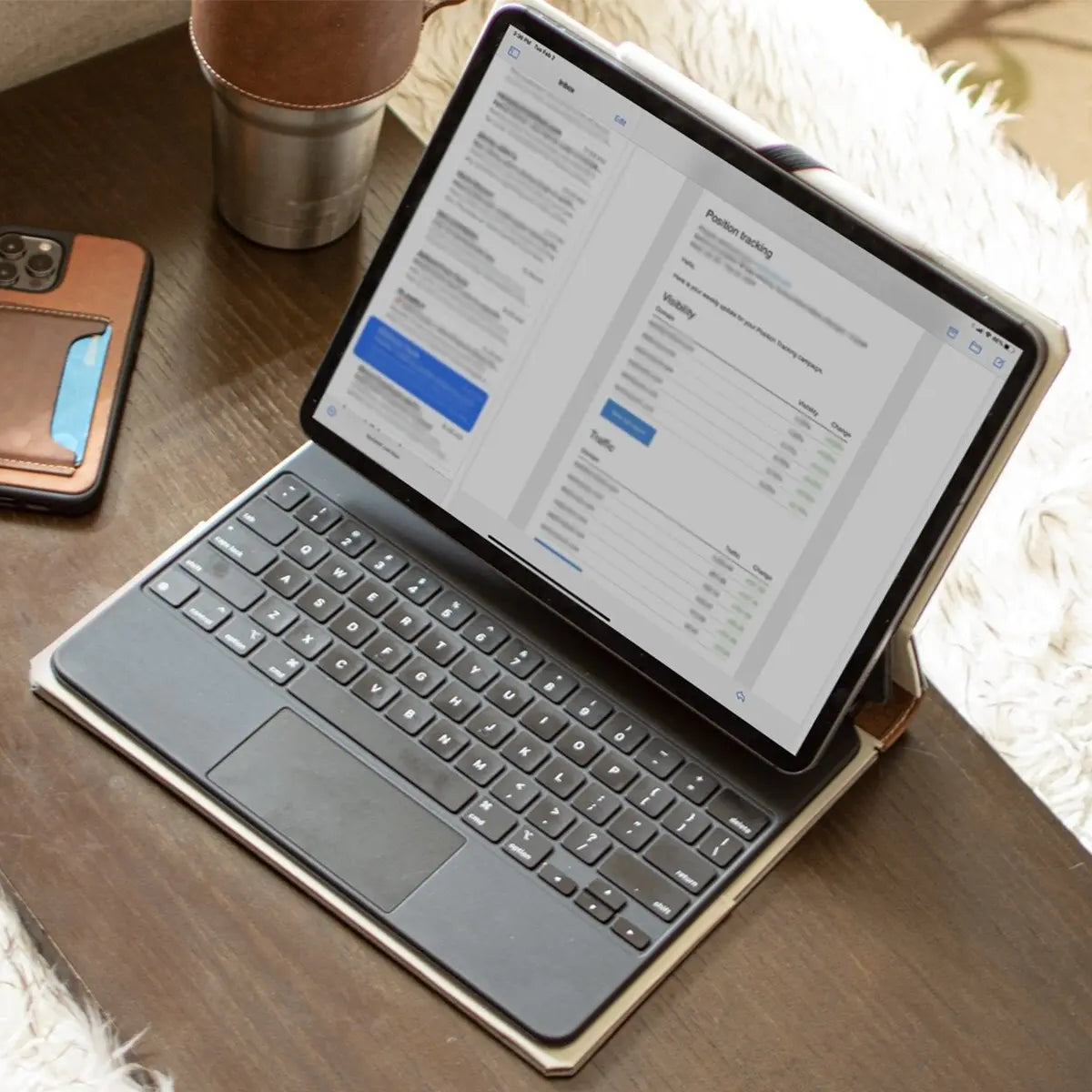
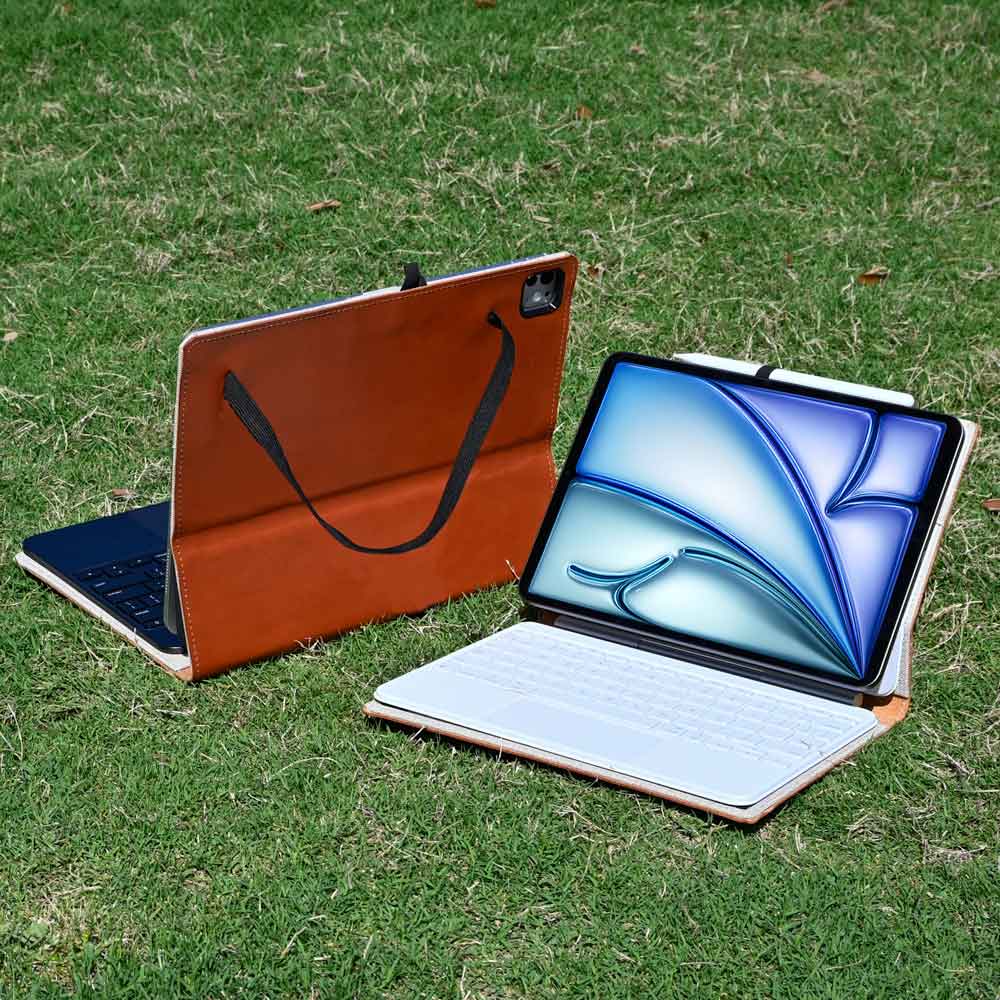
For workflows centered on reading, handwriting, or digital illustration, full typing decks are often unnecessary. In those situations, standalone folios and leather iPad cases serve as practical alternatives, providing front-and-back surface protection along with stable viewing angles while keeping the tablet lightweight and easy to hold.
Data Transfer Rates Across USB-C Ports
Although both tablets feature an industry-standard USB-C port, their data transmission speeds differ dramatically. The standard iPad is limited to USB 2.0 speeds, capping physical transfers at 480 Mbps.
Moving large photo libraries, 4K video files, or comprehensive system backups over a cable feels sluggish, making the port suitable primarily for battery charging and slow peripheral connections.
The iPad Air includes a high-speed USB 3 port capable of speeds up to 10 Gbps, which is roughly 20 times faster than the base model. This high bandwidth allows the Air to communicate smoothly with fast external solid-state drives, high-resolution cameras, and multi-port hubs.
Photographers and videographers can offload gigabytes of raw media files in seconds, turning the tablet into an efficient field workstation.
Software Workflows and Productivity Features

Software capabilities highlight the functional divide between the entry-level tablet and the mid-range model. While both run the same underlying operating system, the hardware inside dictates whether the tablet functions as an oversized mobile phone screen or operates like a flexible personal computer.
Window Management: Split View and Stage Manager
The standard iPad handles multitasking through Split View and Slide Over. These traditional tools allow users to place two applications side by side on a fixed split screen, with a third app floating in an overlay panel.
While this arrangement works well for basic tasks like referencing notes while writing an email, it lacks flexibility. Windows cannot be resized freely, and overlapping several windows is impossible.
The iPad Air unlocks Stage Manager, an advanced window management system that mimics a desktop operating system. Stage Manager enables users to run up to four overlapping applications on screen at once, resizing individual windows to fit their workflow.
Users can group related applications together and switch between project workspaces with a single tap. This flexibility brings significant speed improvements to multi-app research, document comparisons, spreadsheet reviews, and data entry.
External Monitor Output and Extended Desktop Setup
External display behavior further separates the two machines. Connecting the standard iPad to an external monitor results in basic screen mirroring.
Because the tablet uses a 4:3 aspect ratio, the mirrored image appears on a widescreen monitor with thick black bars on both sides, offering no additional screen real estate. The monitor merely duplicates what appears on the tablet glass.
The iPad Air uses its M4 silicon to deliver true external display extension with native screen resolutions up to 6K. Instead of copying the tablet display, an external monitor acts as a separate workspace.
Users can drag windows between screens or run four distinct apps on the external monitor while keeping four separate apps open on the iPad. Paired with a wireless mouse and keyboard, the iPad Air functions as a compact desktop workstation that fits seamlessly into an office setup.
Intensive Applications: Video and Graphic Software
Software demands expose the performance ceiling between these chip architectures. The standard iPad runs everyday applications smoothly and easily supports digital drawing, casual games, and high-definition video streaming.
However, it struggles with professional-grade creative suites. In popular illustration apps, the 6GB memory pool enforces strict canvas layer limits, which restricts complex digital painting projects.
The iPad Air, powered by the M4 chip and 12GB of unified memory, runs professional production software with remarkable speed. Programs such as Final Cut Pro, Logic Pro, and DaVinci Resolve process complex video timelines without dropped frames.
High-resolution canvas projects can contain dozens of simultaneous layers without stuttering, and final 4K video exports complete rapidly. While both tablets deliver excellent video streaming and casual entertainment, only the Air handles heavy digital content creation without slowdown.
Storage Tiers, Cost, and Model Selection

Selecting between these tablets involves weighing immediate purchase expenses against long-term functionality. With updated starting storage capacities, buyers no longer need to pay for an immediate storage upgrade just to have a usable device, shifting the purchasing decision to screen preferences, accessory requirements, and total budget.
Shared Baseline Capacity: The 128GB Standard
Apple has eliminated the restrictive 64GB storage ceiling on entry-level models, making 128GB the new baseline across both the standard iPad and the iPad Air. This adjustment offers significant breathing room for daily use.
Operating system software and necessary system cache files consume between 15GB and 20GB of space, which previously consumed nearly a third of a 64GB drive.
A baseline capacity of 128GB leaves roughly 100GB of usable space for local applications, photo collections, and downloaded entertainment. For most users, this capacity is plenty of space for offline movie playlists and standard document archives without needing a continuous monthly cloud subscription.
While heavy video editors will eventually fill 128GB, typical users no longer face immediate storage warnings after downloading a few modern games.
Price Differences Across Configurations
Retail prices reflect the hardware gap between the two product families. The standard iPad starts at $449 for the 11-inch version with 128GB of storage.
In contrast, the iPad Air begins at $749 for the 11-inch configuration and climbs to $949 for the expansive 13-inch model. This creates a $300 price jump between the base models, or a $500 difference if choosing the larger Air screen.
Peripheral accessories widen this financial gap even further. Outfitting the standard iPad with the $249 Magic Keyboard Folio and the $79 Apple Pencil with USB-C brings the total setup cost to $777.
Equipping an 11-inch iPad Air with the $299 Magic Keyboard and the $129 Apple Pencil Pro pushes the total package to $1,177. Choosing the 13-inch Air with its matching $349 keyboard and Pencil Pro pushes the total investment past $1,420.
Device Selection by User Category
Matching tablet capabilities to specific daily routines ensures buyers get the right tool for their budget. The standard iPad serves as the ideal choice for family living rooms, primary school students, casual web browsing, recipe management, and video streaming.
Its hardware easily handles social media, text messages, and basic photo editing without requiring an unnecessary financial investment.
The iPad Air represents the better choice for university students, graphic designers, digital painters, and mobile professionals seeking a compact laptop substitute. The added performance of the M4 chip, full external display support, and Apple Pencil Pro features justify the premium for intensive workflows.
Essential criteria for deciding between them come down to software demands: buyers who do not need multi-window multitasking, advanced pencil gestures, or heavy video editing will find everything they need in the baseline model.
Conclusion
The shift to a shared 128GB baseline storage tier removes capacity limits from the buying equation, making hardware capabilities the true deciding factor between these two tablets. Choosing between the standard iPad and the iPad Air now hinges on display quality, Apple Intelligence support, accessory functionality, and computing power.
The entry-level iPad delivers dependable performance for web browsing, streaming, and everyday household tasks at an accessible price. In contrast, the iPad Air justifies its premium through a fully laminated anti-reflective screen, the desktop-class M4 processor, Apple Pencil Pro features, and desktop-style multitasking.
If your tablet routine centers on family media consumption, general schoolwork, or basic web tasks, the standard iPad provides outstanding value without unnecessary expense. However, if your daily workflow demands professional creative software, extended desktop monitors, or cutting-edge artificial intelligence tools, the iPad Air serves as an exceptional laptop-grade investment.
Frequently Asked Questions
Can the standard iPad run Apple Intelligence?
No, the standard iPad cannot run Apple Intelligence because it lacks the necessary memory and processor. Apple Intelligence requires at least 8GB of unified memory and desktop-grade silicon. With 6GB of system memory and an A16 Bionic chip, the base model misses out on on-device generative writing assistance, image generation tools, and advanced Siri capabilities.
Why does writing on the iPad Air feel different than the base iPad?
The iPad Air feels more natural to write on because its screen is fully laminated with no air gap. This design places display pixels directly against the glass, making digital ink appear right beneath the stylus tip. Meanwhile, the entry-level iPad has an unlaminated panel that creates a hollow tapping sound and a noticeable gap.
Can I use the Apple Pencil Pro with the regular iPad?
No, the Apple Pencil Pro only works with the iPad Air and iPad Pro. The standard iPad lacks the internal magnetic charging hardware and sensors needed to power the Pro stylus. Instead, baseline iPad owners must use the Apple Pencil with USB-C, which charges via cable and omits squeeze gestures and haptic feedback.
Can the iPad Air replace my laptop for everyday work?
Yes, the iPad Air can replace a laptop for many users thanks to its desktop-class processor and multitasking features. Powered by the M4 chip, the Air runs Stage Manager for overlapping windows and supports true external monitor extension. When paired with a Magic Keyboard, it handles document editing, web research, and spreadsheets like a traditional computer.
Is 128GB of storage enough for an iPad?
Yes, 128GB of storage is plenty of space for most casual and student workflows. After accounting for system software and standard apps, you retain roughly 100GB of usable space for downloaded movies, photos, and documents. Only users who edit large 4K video projects or keep huge digital art portfolios will require higher storage tiers.