
Apple now places its custom M-series processors inside both tablets and laptops, blurring the line between portable mobile devices and traditional computers. As a result, many shoppers face a difficult choice between the iPad Pro and the MacBook Pro.
One option offers a flexible touchscreen with stylus support and a detachable typing accessory, while the other provides a sturdy clamshell body with a full desktop operating system. Deciding between them requires looking closely at how each platform handles daily work.
Key Takeaways
- Operating System Boundaries: macOS provides an unrestricted file system, native programming tools, and flexible window arrangement, whereas iPadOS uses a sandboxed mobile design that restricts background processes and complex file handling.
- Thermal Management and Sustained Power: Both devices use Apple M-series chips, but the MacBook Pro features active cooling fans to maintain peak speeds during long tasks, while the fanless iPad Pro slows its speed under sustained heat.
- Display Technology: The iPad Pro features a Tandem OLED display with true black levels and zero halo effect, while the MacBook Pro uses a mini-LED Liquid Retina XDR screen with high HDR brightness and color accuracy.
- Ports and Monitor Support: The MacBook Pro serves as a full workstation with HDMI, an SD card slot, MagSafe, and multi-display support, whereas the iPad Pro has a single Thunderbolt port and supports only one external monitor.
- Real Ownership Costs: While the iPad Pro has a lower starting price, adding the Magic Keyboard, an Apple Pencil, and necessary adapter dongles brings its total cost equal to or higher than an entry-level MacBook Pro.
System Software and Application Architecture
Operating systems dictate how people interact with their devices, manage open tasks, and organize files. The distinction between a traditional computer and a tablet begins with the fundamental software rules governing each platform.
macOS vs. iPadOS: Core Structural Differences
macOS is built on an open Unix foundation, allowing users to install software from any source, modify system settings, run background scripts, and access hidden folders. iPadOS operates inside a restricted sandbox environment.
Every application on an iPad must follow strict security boundaries set by Apple. Users cannot download programs directly from the web without going through the App Store or approved third-party marketplaces where available.
Furthermore, iPadOS frequently suspends background processes to preserve battery life, whereas macOS allows complex rendering, downloading, and calculations to run uninterrupted behind other open windows.
Window Arrangement and Multitask Execution
On a MacBook Pro, multitasking follows the familiar desktop standard. Users can open dozens of free-floating windows, resize them freely, snap them across multiple virtual spaces, and layer them in any order.
The iPad Pro relies primarily on Stage Manager and split-screen views. Although Stage Manager organizes open apps into grouped workspaces, it forces windows into preset sizes and positions.
Managing multiple active documents side by side feels far more restricted on iPadOS, making the MacBook Pro a superior choice for high-volume multitasking and wide workspace flexibility.
File System Access and External Storage Integration
macOS includes Finder, a comprehensive file manager that provides unrestricted access to the local drive, root folders, and network servers. Users can rename hundreds of files at once, create deep folder hierarchies, and use advanced compression formats.
The iPadOS Files app offers a simplified directory structure. It handles basic tasks like creating folders and moving documents between cloud services, but it struggles with complex batch operations, specialized drive formatting, and background transfers.
Connecting a high-capacity external hard drive to an iPad often results in slower browsing and limited utility compared to the desktop Finder.
Desktop Applications vs. Mobile App Ecosystems
Professional workflows often depend on specialized software packages. On macOS, programs such as Final Cut Pro, Logic Pro, and Adobe Creative Cloud offer their complete feature sets, including support for third-party plugins, complex automation, and legacy formats.
The iPad Pro versions of these tools are tailored for touch interaction and quick edits, but they frequently omit advanced production controls. Additionally, macOS natively runs terminal utilities, code compilers, and virtualization software for programming.
The iPad Pro cannot compile code natively in traditional environments, requiring developers to use remote servers or cloud-based coding platforms instead.
Hardware Performance and Thermal Profiles

Apple equips both lines with powerful silicon, yet the physical structure around the chip determines how long that speed can last. The balance between processing muscle, heat management, memory capacity, and battery efficiency shapes what each device can achieve.
M-Series Silicon Capabilities and Compute Power
Both the iPad Pro and MacBook Pro utilize Apple's custom M-series processors, which combine high-performance CPU cores, strong graphics processors, and dedicated Neural Engines for artificial intelligence tasks. For everyday actions like opening apps, light photo adjustments, and web browsing, single-core speeds are nearly identical.
However, higher-tier MacBook Pro models offer Pro and Max silicon variants with significantly higher core counts and memory bandwidth. These expanded configurations provide unmatched compute power for heavy multi-threaded operations like 3D rendering and multiple streams of 8K video playback.
Passive Thermal Design vs. Active Fan Systems
The iPad Pro maintains a completely fanless, sealed enclosure that relies on passive heat dissipation through its metal frame. While this creates a silent, dust-resistant device, the chip will throttle its processing speed after several minutes of maximum output to avoid overheating.
In contrast, the MacBook Pro features active cooling fans and internal heat pipes. This mechanical cooling allows the laptop to maintain peak clock speeds for hours during intense video exports or code compilations without sacrificing processing performance.
Memory Configurations and Data Transfer Bandwidth
Unified memory limits differ substantially between the two form factors. The iPad Pro typically caps its memory options at lower tiers, such as 8GB or 16GB, depending on the internal storage size.
The MacBook Pro can be configured with much higher unified memory ceilings, exceeding 64GB or 128GB on top-tier chips. These higher limits are essential for working with massive data sets and running multiple virtual environments simultaneously.
Furthermore, internal solid-state drives on the laptop achieve faster sustained data transfer speeds and handle virtual memory swap operations with less disruption.
Battery Longevity and Power Efficiency Under Load
General power efficiency is a hallmark of Apple silicon, providing all-day battery life on both platforms for basic productivity. When handling casual web browsing, streaming media, or document writing, both devices deliver remarkable endurance.
The divergence occurs under heavy processing loads. The MacBook Pro contains a substantially larger physical battery pack, allowing it to sustain intense creative exports and computational tasks away from a wall outlet for longer periods.
The smaller battery in the iPad Pro depletes much faster when pushing the display brightness and processor to their limits.
Display Technology, Audio, and Physical Connectivity

The visual and auditory experience, along with peripheral flexibility, dictates how seamlessly a computer fits into professional workstations and portable setups. Screen quality, port variety, and built-in multimedia components play a major role in everyday usability.
Tandem OLED Panel vs. Liquid Retina XDR Screen
The iPad Pro features advanced Tandem OLED screen technology, which stacks two OLED panels to produce exceptional peak brightness, deep black levels, and precise pixel-level contrast without blooming. The MacBook Pro uses a Liquid Retina XDR screen powered by mini-LED backlighting, delivering rich color accuracy and impressive HDR brightness for professional color grading.
While both displays meet high color standards, the OLED panel on the iPad Pro excels in dark environments by eliminating halo effects around bright text, while both panels remain easily readable under direct ambient light.
Port Selection and Native Multi-Monitor Support
Physical connectivity represents a stark divide between these machines. The iPad Pro offers a single Thunderbolt port, which requires external dongles or dock adapters to connect multiple peripherals simultaneously.
It also restricts external video output to a single monitor. The MacBook Pro serves as a self-contained hub, equipped with multiple Thunderbolt ports, an HDMI output, an SD card slot, and a dedicated MagSafe power connector.
It natively powers multiple high-resolution displays, making it far simpler to build a permanent multi-monitor desktop station.
Integrated Cameras, Microphones, and Speaker Systems
Hardware placement highlights the distinct purposes of each machine. The iPad Pro includes both a horizontal front camera with Center Stage and a rear camera system with a LiDAR scanner, making it useful for capturing photos, scanning physical documents, and using augmented reality applications.
The MacBook Pro focuses on audio fidelity and conferencing, incorporating a high-definition webcam along with a six-speaker sound system that delivers deep bass and spatial audio. Its studio-quality microphone array also minimizes background noise more effectively during voice recordings and conference calls.
Input Methods, Form Factor, and Ergonomics

How a user inputs commands and interacts with on-screen content defines physical comfort during daily work. The distinction between a modular tablet and an integrated laptop directly impacts posture, travel convenience, and creative freedom.
Touch Interface and Apple Pencil Precision
Direct touch input and stylus precision give the iPad Pro a clear advantage for visual creators. With an Apple Pencil, users can sketch, illustrate, edit photos with fine control, and annotate PDF documents directly on the screen.
Hardware capabilities such as barrel roll, pressure sensitivity, and haptic feedback replicate the sensation of traditional drawing tools. The MacBook Pro lacks any touchscreen or stylus functionality, relying exclusively on pointer controls, which cannot replicate the tactile, freehand experience of drawing directly on glass.
Physical Keyboard Ergonomics and Trackpad Experience
For typing comfort and navigation, the MacBook Pro provides a stable, integrated foundation. Its full-travel scissor-switch typing layout and expansive Force Touch trackpad offer consistent tactile feedback on desks, laps, and uneven surfaces.
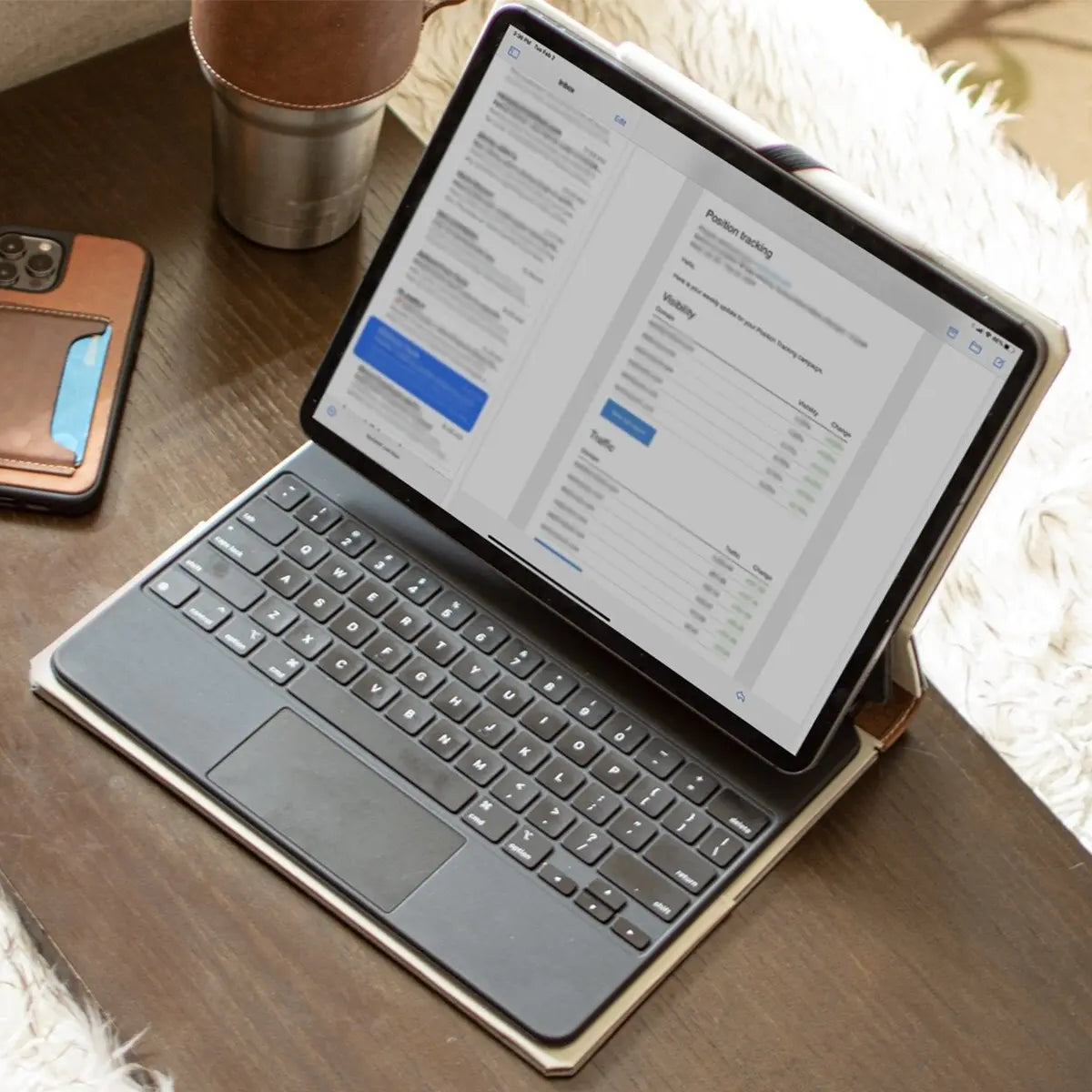
The iPad Pro relies on optional accessories like the Magic Keyboard. While the Magic Keyboard provides a quality typing experience and a smooth trackpad, its cantilever design concentrates weight at the top, making it prone to tipping when balanced on a user's lap during mobile use.
Weight Distribution and Portability in Mobile Scenarios
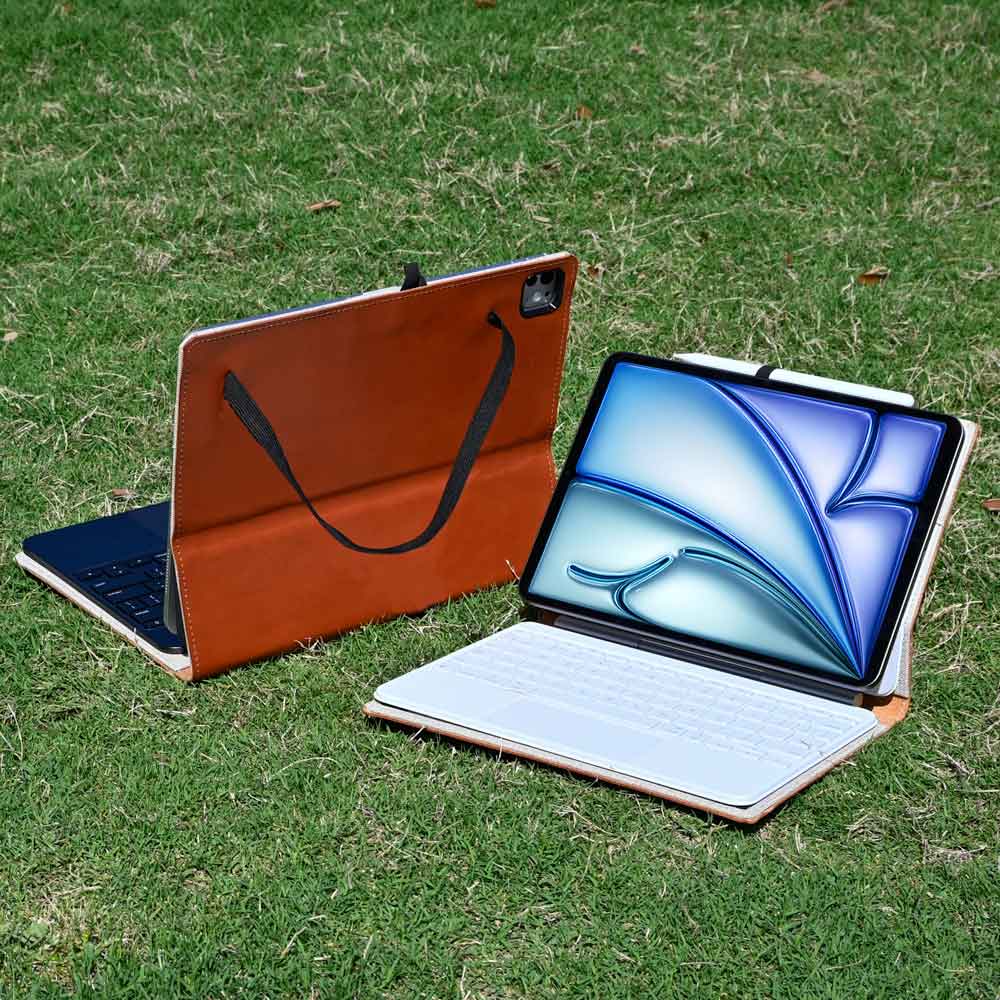
Taken alone, the iPad Pro is remarkably thin and lightweight, making it effortless to hold in one hand while reading, sketching, or traveling. While heavy keyboard docks can add noticeable bulk, many users prefer pairing the standalone tablet with a protective iPad case or sleeve, preserving its thin profile while keeping the glass display safe inside a bag.
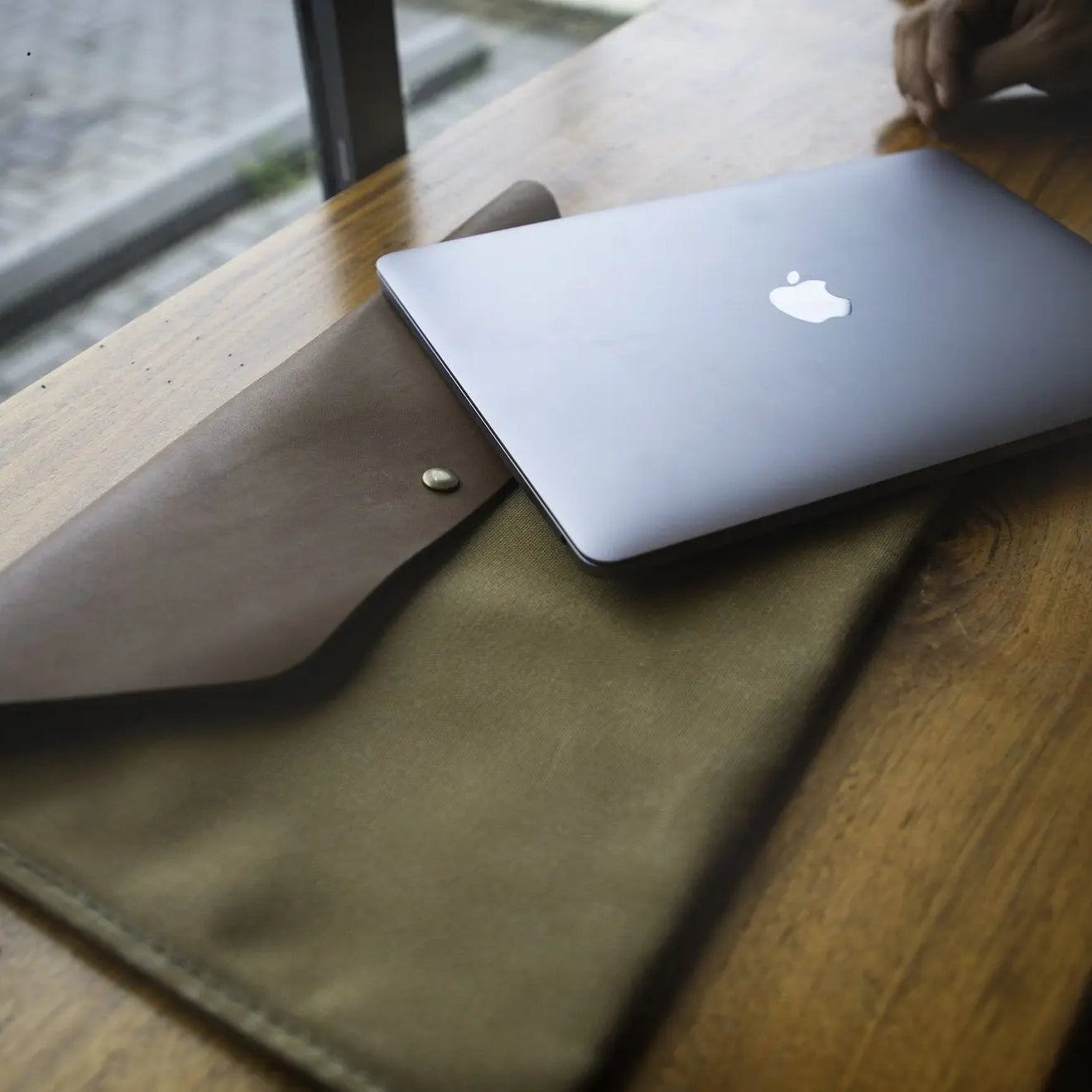
Meanwhile, the MacBook Pro carries all its weight in the base, providing reliable balance when opened on an airplane tray, a sofa, or a standing desk. Because the laptop already features an integrated keyboard and aluminum lid, pairing it with a durable laptop sleeve delivers the ideal combination of streamlined travel style and everyday protection during your daily commute.
Financial Investment and Workflow Suitability

Evaluating these devices requires balancing upfront purchase prices against daily productivity requirements. The true cost includes not only the initial hardware purchase but also the necessary accessories required to build a complete work setup.
Base Price Comparison and Accessory Expenses
At first glance, the iPad Pro features a lower entry price than the MacBook Pro. However, this base price only covers the bare tablet.
To turn the iPad into a functional laptop replacement, buyers must purchase a typing case, an Apple Pencil, and multi-port dongles separately. When these additions are totaled, the overall financial investment often matches or exceeds the cost of an entry-level MacBook Pro, which includes a display, typing surface, trackpad, and multiple connection ports straight out of the box.
Suitability for Visual Arts and Media Consumption
The iPad Pro shines in visual disciplines and portable entertainment. Illustrators, digital painters, photographers doing field retouching, and students taking handwritten notes benefit immensely from its tactile surface and stylus support.
When the workday ends, removing the tablet from its magnetic mount turns it into an exceptional handheld device for watching movies, reading books, or browsing recipes in the kitchen. Its modular nature gives it unmatched versatility for creative and recreational activities.
Suitability for Software Development, Data Tasks, and Video Production
For technical professions and large-scale media production, the MacBook Pro remains the practical choice. Programmers, data analysts, audio engineers, and commercial video editors require an open file system, robust background processing, native terminal tools, and support for multi-monitor workstations.
The combination of sustained active cooling, generous memory capacities, and comprehensive desktop applications enables professionals to process demanding workloads without encountering software barriers or thermal throttling.
Conclusion
Choosing between the iPad Pro and MacBook Pro comes down to how you prefer to work each day. The iPad Pro delivers modular versatility, direct touchscreen control, and precise digital drawing, making it an exceptional tool for illustrators, note-takers, and frequent travelers.
However, turning the tablet into a productive laptop replacement requires costly accessories that push its total expense close to a traditional clamshell computer. In contrast, the MacBook Pro provides unrestricted desktop software, an open file system, active fan cooling for sustained heavy workloads, and native multi-display connectivity straight out of the box.
Users who require raw computing power, multi-window productivity, or programming environments will find the MacBook Pro far more capable, while those seeking handheld flexibility and tactile creation will thrive with the iPad Pro.
Frequently Asked Questions
Can an iPad Pro replace a MacBook Pro for daily work?
An iPad Pro can replace a laptop for email, web browsing, document writing, and digital illustration, but not for advanced computing. It lacks a desktop file manager, native programming utilities, and unrestricted background processing. If your workflow relies on heavy multitasking or desktop software extensions, a MacBook Pro remains necessary.
Is the iPad Pro actually cheaper than the MacBook Pro?
The iPad Pro is only cheaper if you purchase the standalone tablet without official add-ons. Adding the Magic Keyboard and Apple Pencil raises the total purchase price to match or exceed an entry-level MacBook Pro. The laptop already includes a built-in typing layout, a trackpad, and multiple connection ports.
Which device has the better screen for photo editing and watching movies?
The iPad Pro has a slightly better display for media and dark-room editing due to its Tandem OLED technology. OLED panels deliver true black levels and precise pixel contrast without the subtle halo effects seen on mini-LED screens. However, the MacBook Pro display remains outstanding, offering high HDR brightness and color accuracy.
Can I use an iPad Pro for software programming and coding?
An iPad Pro cannot run standard local programming environments, terminal utilities, or local code compilers natively. Developers must rely on remote cloud servers, browser-based code editors, or remote desktop sessions to write and compile code. In contrast, a MacBook Pro supports full native programming languages, container tools, and command-line interfaces.
Why does the MacBook Pro sustain heavy performance better than the iPad Pro?
The MacBook Pro includes active internal cooling fans that prevent the processor from slowing down during demanding tasks. Because the iPad Pro has a sealed, fanless design, it must reduce processing speeds after several minutes of heavy computation to control heat. The laptop can maintain peak performance for hours without thermal throttling.