
As tuition costs rise, deciding exactly how to spend your technology budget is a critical decision for any student. You need tools that actually improve your study habits without wasting your limited funds on unnecessary gadgets.
The modern classroom has rapidly shifted away from heavy backpacks filled with paper notebooks toward streamlined, paperless environments. Apple's tablet lineup promises to replace physical textbooks and heavy binders with a single, portable glass slab.
However, dropping hundreds of dollars on a device that runs a mobile operating system presents a serious dilemma. You must determine if this hardware truly offers enough academic value to justify the hefty price tag.
By analyzing how these devices handle actual coursework alongside the total cost of necessary accessories, you will soon know exactly which setup makes the most sense for your specific academic path.
Key Takeaways
- The mobile operating system restricts multitasking efficiency and lacks support for robust academic software like CAD or specialized coding environments.
- Handwriting applications allow you to easily organize, search, and annotate infinite digital notebooks alongside imported lecture slides.
- The iPad Air provides the best balance of price and processing power for most students by utilizing the same M-series chips found in MacBooks.
- You must budget extra money for necessary accessories like a stylus and a Bluetooth keyboard to make the tablet fully functional for academic work.
- Humanities students can comfortably use a tablet as their primary computer, while STEM majors should only purchase one as a companion device to a traditional laptop.
The iPad versus Laptop Dilemma
Choosing between a tablet and a traditional computer often creates a frustrating situation for students. While Apple markets its tablets as complete computer replacements, the reality of academic work often tells a different story.
You must weigh the appeal of a sleek touchscreen against the familiar utility of a standard operating system.
Platform and OS Limitations
iPadOS is built on a mobile foundation. This design choice limits how you interact with your device compared to macOS or Windows.
While an iPad can run millions of applications, these apps are often mobile versions rather than full desktop equivalents. Furthermore, the web browsing experience can be frustrating.
Safari on a tablet attempts to display desktop versions of websites, but complex academic portals or interactive learning modules often fail to load properly without a traditional mouse interface.
Task Management and File Systems
Multitasking on a tablet relies on gestures and split-screen views. Apple has introduced tools like Stage Manager to improve app switching, but managing four open windows on a tablet screen remains clunky compared to a standard desktop interface.
The file management system also presents challenges. While the Files app has improved over the years, downloading, unzipping, and organizing complex folders for a research project lacks the straightforward drag-and-drop efficiency found on a Mac or PC.
Submitting assignments requires extra steps to ensure files are saved in the correct formats and uploaded properly.
Academic Software Compatibility
Most standard education platforms like Canvas and Blackboard offer functional apps for tablets. You can easily view announcements, read syllabi, and check grades.
However, the hardware falls short for specialized degree requirements. Computer science students will not find robust native coding environments or terminal access.
Engineering students cannot run full versions of standard CAD software. Those studying data science or statistics are unable to install necessary analytical tools.
For these programs, a traditional computer is absolutely required.
Academic Utility and Classroom Application

Despite certain software limitations, Apple's tablet shines brightly during everyday classroom activities. The hardware is specifically designed to consume media and digitize traditional study habits.
For many students, this creates a highly efficient workflow that fundamentally changes how they approach lectures and readings.
Digital Notes and Document Annotation
Replacing physical notebooks with a digital alternative offers massive organizational benefits. Handwriting applications allow you to create infinite notebooks sorted by class, semester, or topic.
You can import slide decks directly into your notes before a lecture begins and write directly on the slides. Furthermore, modern note-taking apps index your handwriting.
This means you can type a keyword into a search bar and instantly find a specific term you scribbled down weeks ago. This level of organization is impossible with paper notebooks.
Access to Digital Textbooks
Carrying five hardcover textbooks across a massive campus quickly becomes exhausting. Digital textbooks solve this problem completely.
A tablet can hold thousands of high-resolution books, articles, and research papers without adding an ounce of weight to your backpack. You can easily highlight text in multiple colors, bookmark specific chapters, and annotate complex diagrams.
Interactive textbooks also offer embedded videos and 3D models that enhance your comprehension of difficult subjects.
Portability and Battery Endurance
The physical design of a tablet offers unmatched convenience. You can easily read a PDF while standing on a crowded bus or review flashcards while waiting in a busy cafeteria.
Traditional laptops require a desk or a steady lap, but a tablet adapts to almost any environment. Additionally, the battery life is generally excellent for media consumption and note-taking.
A fully charged device will comfortably last through a full day of back-to-back lectures and late-night study sessions in the library without needing an outlet.
Model Comparison and Selection Guide

Apple offers a confusing array of hardware options with overlapping features and vastly different price tags. Selecting the right model requires matching your specific academic needs with the correct processing power and design features.
Spending too much on features you will never use is an easy mistake to make.
The Entry-Level iPad for Budget-Conscious Students
The standard model provides the most affordable entry point into the ecosystem. It features a capable processor and a bright screen that handles basic academic tasks flawlessly.
If your primary goal is reading digital textbooks, writing notes, checking emails, and joining video calls, this baseline hardware provides everything you need. The design might lack the modern edge of the more expensive models, and the screen lacks a laminated display, but the price-to-performance ratio is spectacular for a tight budget.
The iPad Air for Mid-Range Performance
The Air hits the sweet spot for a majority of college students. It features the powerful M-series chips found in full MacBooks, offering incredible speed for years to come.
This model adopts the modern design language with uniform bezels and magnetic charging for the Apple Pencil. It is incredibly thin and light, making it a premium device that handles heavy multitasking, large PDF files, and moderate photo editing with ease.
You get nearly all the benefits of the most expensive models without completely draining your savings.
The iPad Pro for Advanced Creators and Power Users
The premium tier offers maximum processing power and a stunning ProMotion display. The 120Hz refresh rate makes scrolling incredibly smooth and reduces Apple Pencil latency to almost zero.
However, the high price tag is difficult to justify for writing essays and reading books. This model is built for students pushing the absolute limits of mobile hardware.
If your coursework involves heavy video rendering, complex 3D modeling, or professional-grade digital art, the Pro model provides the necessary horsepower to complete those intense tasks.
Total Cost of Ownership and Accessories

The price listed on the box rarely represents the final amount you will spend. A tablet alone is merely a media consumption device.
Transforming it into a functional academic tool requires investing in a specific ecosystem of add-ons that rapidly inflate your final checkout total.
The Necessity of the Apple Pencil
A stylus transforms a standard touchscreen into an active workspace. Without it, you are simply tapping and swiping.
The Apple Pencil allows you to draw precise diagrams, highlight text accurately, and take handwritten notes. Apple offers different generations of their stylus, and you must carefully check compatibility with your chosen tablet model.
The more expensive models offer pressure sensitivity and magnetic charging, which drastically improve the writing experience. If you plan to digitize your notebooks, factoring in the cost of a compatible stylus is mandatory.
Keyboard Cases and Third-Party Alternatives
Typing a ten-page essay on a glass screen is an awful experience. A physical keyboard is required for serious academic writing.
Apple sells premium keyboard cases that feature excellent trackpads and floating hinge designs, but these first-party accessories are incredibly expensive. Fortunately, the market is filled with budget-friendly alternatives from reputable third-party brands.
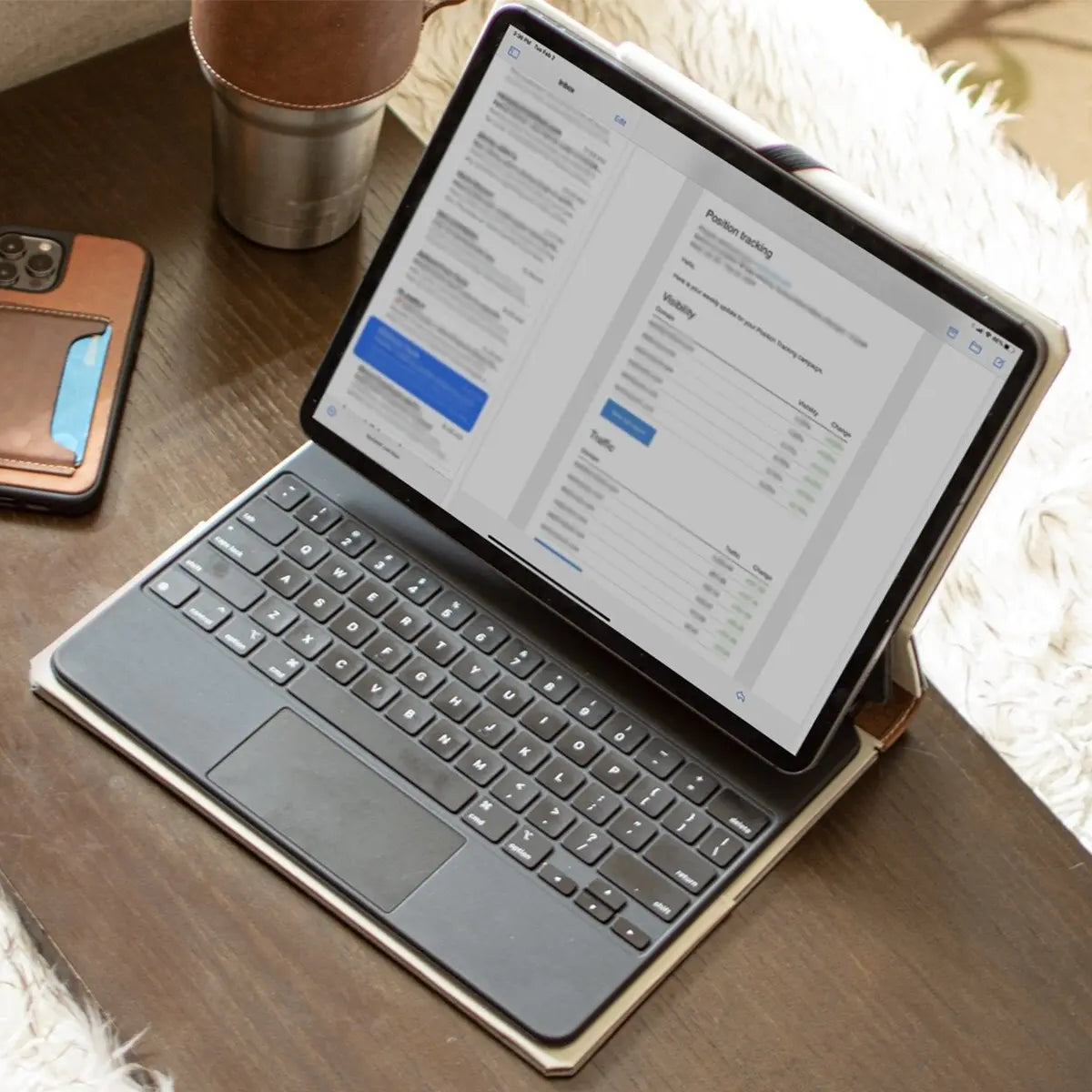
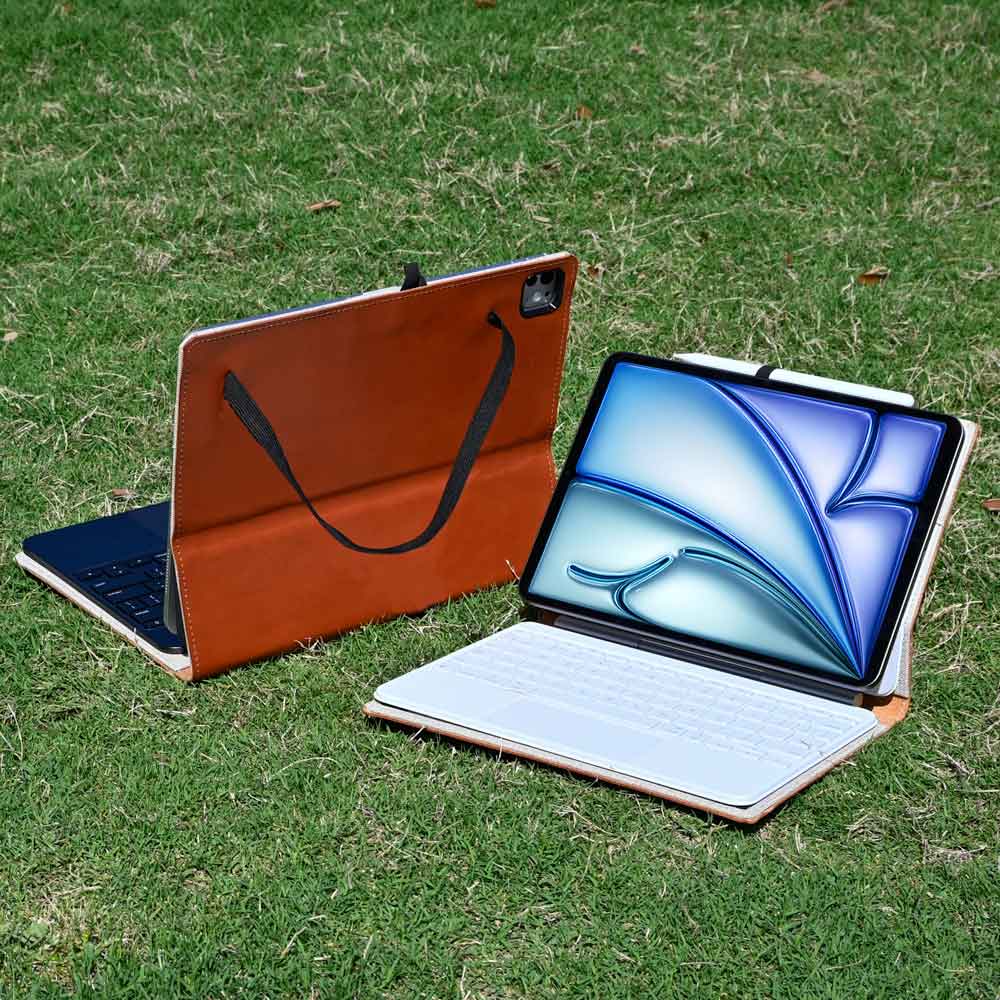
You can purchase a simple Bluetooth keyboard and pair it with an iPad leather case, which serves as a durable, stylish option for school that easily survives a busy campus commute. Carefully evaluating your typing needs will save you a substantial amount of money.
Student Discounts and Refurbished Options
Apple offers educational pricing year-round, cutting down the retail price for verified university students. During the summer back-to-school promotion, they frequently include gift cards with a purchase.
If you miss these seasonal deals, buying certified refurbished hardware is a brilliant strategy. Apple replaces the battery and outer shell on all official refurbished models, making them practically indistinguishable from brand new units.
Purchasing a refurbished model from the previous generation is one of the smartest ways to acquire premium hardware on a tight student budget.
Ideal Student Profiles and Use Cases

Hardware requirements vary wildly depending on your major. A tool that perfectly suits a history student might completely fail an engineering student.
Analyzing your curriculum is the most important step before making a final purchasing decision.
The Primary Device for Humanities and General Education
If your major focuses heavily on reading, writing, and research, a tablet can easily serve as your main machine. English, history, philosophy, and sociology students spend their time digesting massive amounts of text and drafting essays.
A tablet paired with a good keyboard handles word processing and web research flawlessly. The ability to curl up on a couch with a digital textbook or take handwritten notes during a long lecture makes the device perfectly suited for this specific academic track.
The Companion Device for STEM and Complex Workflows
Science, technology, engineering, and mathematics students face intense software requirements. A tablet cannot replace a primary Mac or Windows PC for running specialized coding environments or heavy computational software.
Instead, it serves as a powerful companion device. STEM students use a primary laptop for heavy software and rely on a tablet for annotating dense mathematical PDFs, drawing complex organic chemistry diagrams, and managing their daily schedule.
It acts as a secondary screen and a digital scratchpad rather than the main computing hub.
The Creative Tool for Art and Design Majors
For students pursuing visual arts, graphic design, or animation, a high-end tablet is practically an industry standard. The combination of a laminated display and a pressure-sensitive stylus provides an unparalleled digital canvas.
Powerful applications exist specifically for illustration, photo retouching, and vector design that rival desktop software. In this scenario, the tablet is not just a note-taking device.
It is a critical piece of creative equipment required to complete professional-grade portfolio assignments and studio projects.
Conclusion
Choosing an iPad for your college coursework requires accepting a specific set of trade-offs. You gain unparalleled portability and the ability to handwrite digital notes, but you lose the straightforward file management and broad software compatibility of a traditional computer.
If your curriculum consists mostly of reading, writing, and basic research, a tablet equipped with a keyboard and stylus can easily serve as your primary machine. However, if your major demands specialized software for coding, 3D modeling, or complex data analysis, a traditional laptop remains the superior and necessary choice.
In those highly technical cases, the tablet serves best as a powerful companion device rather than a complete replacement.
Frequently Asked Questions
Can I use an iPad instead of a laptop for college?
You can use an iPad as your main device if your major focuses entirely on writing essays and reading texts. However, students in STEM fields must buy a traditional laptop because tablets cannot run complex coding environments or specialized engineering software.
Do I really need to buy the Apple Pencil?
Purchasing a compatible stylus is absolutely necessary if you plan to digitize your handwriting and annotate academic documents. Without a stylus, your tablet simply functions as a basic screen for reading texts, which completely defeats the primary purpose of buying one.
Which iPad model should a typical student buy?
Most college students should purchase the iPad Air because it offers powerful desktop-class processors without the extreme price tag of the premium models. It easily handles heavy multitasking and large files while providing a modern design that will last through graduation.
Are the expensive first-party keyboards worth the money?
You do not need to purchase expensive Apple keyboards to get a highly responsive typing experience. Many reputable third-party brands sell affordable Bluetooth keyboards and protective cases that function perfectly well for drafting long essays and taking rapid notes during class.
How can I save money when buying an iPad for school?
You can significantly reduce your total hardware cost by utilizing Apple's year-round educational pricing or shopping their certified refurbished store. Refurbished models from the previous generation receive brand new batteries and outer shells, making them essentially identical to brand new devices.