
Deciding between Apple’s two most popular handhelds is no longer a straightforward choice. The gap between a massive iPhone Pro Max and a compact iPad Mini has narrowed to the point where their functions frequently overlap.
While both devices run similar apps and offer stunning displays, they serve fundamentally different purposes in your daily routine. The iPhone remains your primary tether to the world because it is built for instant communication and absolute mobility.
In contrast, the iPad offers a sprawling canvas designed for deep focus, media consumption, and creative work.
Form Factor and Display Experience
The physical size of a device dictates how it fits into your life before you even turn it on. While manufacturers strive to make screens larger and bezels thinner, the fundamental difference between a phone and a tablet comes down to how you hold it and where you carry it.
This physical reality shapes every interaction, from checking a notification to watching a feature-length film.
Portability and Ergonomics
The most immediate distinction is the "pocket test." The iPhone is designed to be an extension of your person.
It slips into jeans, jackets, or small clutches, ensuring it is always available for immediate use. You rarely have to plan to take your iPhone with you; it simply goes where you go.
The iPad requires a deliberate choice. Even the smallest iPad Mini struggles to fit in standard pockets, and larger models demand a backpack, briefcase, or tote.
This makes the iPad a destination device rather than a constant companion.
This size difference drastically alters handheld usability. You can navigate an iPhone with one hand while holding a coffee or hanging onto a subway strap.
The interface places critical buttons within the sweep of your thumb. An iPad is almost exclusively a two-handed device.
Using it requires you to prop it on a lap, rest it on a table, or hold it with one hand while tapping with the other.
Screen Real Estate and Immersion
Screen size controls information density. On an iPhone, websites and documents are mobile-optimized.
This usually means a single, vertical column of text where menus are hidden behind "hamburger" icons to save space. The iPad displays the desktop version of the web.
You see full sidebars, navigation panels, and complex layouts without needing to zoom out. This allows for a broader view of spreadsheets or dashboards that would otherwise feel cramped on a phone.
This extra space transforms media consumption. Reading a digital magazine, comic book, or technical PDF on an iPhone often involves constant pinching and scrolling to read small text.
The iPad presents these formats as they were intended to be seen. For architects looking at blueprints or photographers reviewing images, the tablet provides a canvas large enough to analyze details without losing the context of the wider image.
Operating System: iOS vs. iPadOS

While the iPhone and iPad share a visual language, their operating systems have diverged to support different workflows. iOS is streamlined for speed and mobility, prioritizing quick interactions.
iPadOS is built to leverage the larger screen, incorporating features that mimic a traditional desktop environment while retaining the touch-first nature of a mobile device.
Multitasking Capabilities
The iPhone focuses on doing one thing at a time. While you can switch between apps rapidly, you can fundamentally only interact with one active window.
iPadOS breaks this limitation with Split View and Stage Manager. You can keep a reference document open on the left side of the screen while typing notes on the right, or float a messaging window over a video player.
This capability fundamentally changes how you work. On an iPhone, copying information from a web page to an email requires flipping back and forth between screens, relying on short-term memory.
On an iPad, you can drag and drop images, text, or files directly from one app to another. The system supports a continuous workflow where apps operate in tandem rather than in isolation.
App Ecosystem and Interface
Developers build iPhone apps for short bursts of interaction. The interfaces are often simplified, burying complex tools in sub-menus to keep the main screen clean.
iPad apps are increasingly "desktop-class." Applications like Final Cut Pro, Logic Pro, and Microsoft Excel on iPadOS utilize the extra width to display persistent toolbars, timelines, and layers.
This allows professionals to edit video or manage spreadsheets with a level of control that is frustratingly difficult on a smaller display.
File management follows a similar pattern. The "Files" app exists on both devices, but on the iPhone, it serves mostly as a basic repository.
On the iPad, it functions closer to the Finder on a Mac. You can view files in columns, organize folders with greater ease, and connect external hard drives to move large amounts of data.
The larger interface turns file manipulation from a chore into a viable workflow.
Input Methods and Creation Tools

The way you input information defines what you can create. The iPhone relies almost entirely on capacitive touch, using fingers for navigation and typing.
The iPad expands this horizon by supporting varied input methods that bridge the gap between a digital sketchpad and a laptop computer.
The Apple Pencil Factor
The most significant hardware divergence is the Apple Pencil. The iPad display includes a specialized digitizer layer that tracks the Pencil’s pressure, tilt, and azimuth.
This turns the tablet into a precision instrument for digital artists, illustrators, and students who prefer handwriting notes. You can mark up PDFs, sign documents naturally, or sketch architectural drafts with pixel-perfect accuracy.
The iPhone lacks this hardware support. While distinct third-party styluses exist, they simulate a finger touch and lack the palm rejection and pressure sensitivity required for serious creative work.
The iPhone remains a device for reviewing content, while the Pencil enables the iPad to create it from scratch.
Typing and Peripheral Support
Text input on an iPhone is designed for brevity. Thumb-typing on a glass screen is efficient for text messages, emails, and social media captions, but it becomes fatiguing for long-form writing.
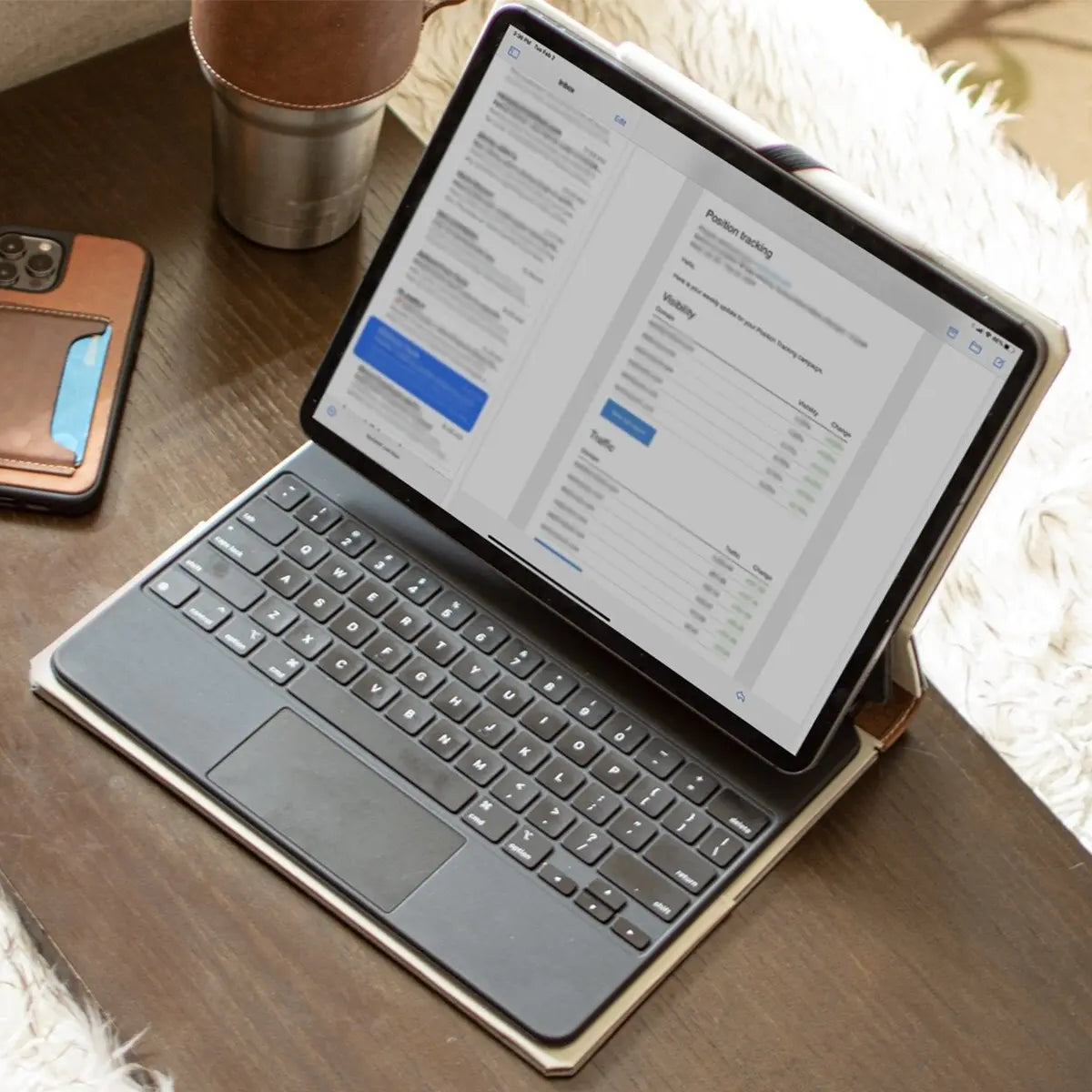
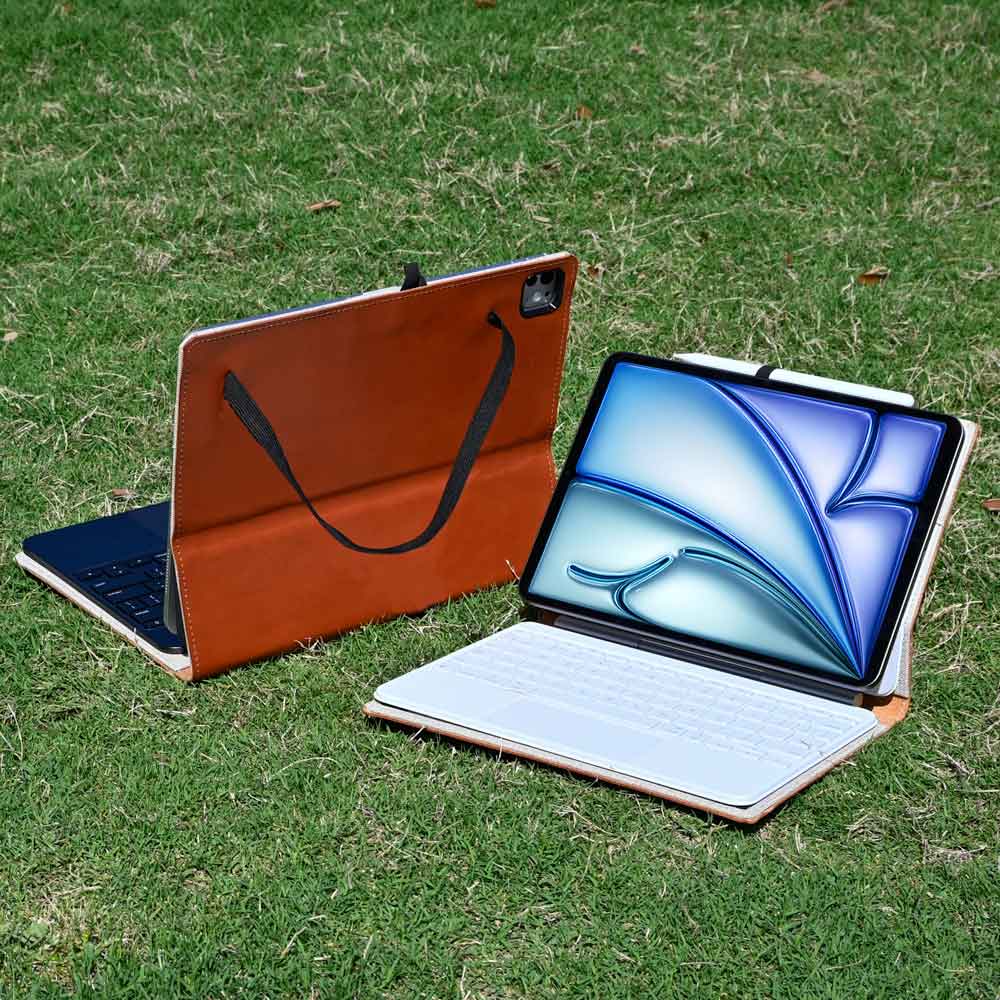
The iPad supports the Magic Keyboard and Smart Folio, which provide physical keys and often a trackpad. This setup allows for touch-typing at full speed, making the tablet a legitimate tool for writing essays, reports, or novels.
Beyond keyboards, the iPad offers robust support for external peripherals. You can connect a mouse or trackpad to navigate the interface with a cursor, which adapts to buttons and text fields.
The iPad also supports full external monitor output on specific models, allowing users to extend their workspace. These features push the iPad closer to a laptop replacement, whereas the iPhone remains firmly rooted as a handheld mobile device.
Communication, Cameras, and Connectivity

While both devices keep you connected to the internet, their roles in daily communication and content creation differ sharply. The iPhone functions as a primary lifeline to the outside world, designed to handle immediate interactions and capture moments as they happen.
The iPad serves as a secondary station, better suited for video calls from a stationary position or digitizing physical documents rather than acting as a primary phone or camera.
Telephony and Messaging
The iPhone is, first and foremost, a cellular phone. It handles standard voice calls and SMS text messages natively, functioning independently of Wi-Fi.
It is the device that receives two-factor authentication codes and emergency alerts. Its small size allows for "walk-and-talk" utility, meaning you can fire off a quick text with one hand while walking down the street or hold the device to your ear without fatigue.
In contrast, the iPad acts as a satellite to the iPhone. While cellular models exist, they generally support data only, not standard voice calls.
To make a phone call on an iPad, you typically rely on FaceTime or a relay feature that routes the call through your iPhone. Answering text messages or calls on an iPad is convenient when you are already using the tablet, but it is rarely the device you reach for to initiate a quick conversation while on the move.
Photography and Videography
Apple consistently reserves its most advanced camera technology for the iPhone. The sheer volume of iPhones sold justifies the inclusion of larger sensors, superior night mode capabilities, and advanced stabilization for 4K video.
It is the camera you always have with you, ready to capture a fleeting moment in high fidelity. The ergonomics support this; you can pull a phone from your pocket and snap a photo in seconds.
The iPad camera system prioritizes utility over artistic photography. While capable, the cameras are generally intended for scanning documents, powering augmented reality (AR) applications, or taking quick reference shots.
Physically taking a photo with an iPad is awkward. Holding a large, flat slab up to frame a subject feels cumbersome and draws unnecessary attention.
Consequently, the iPad serves better as a tool for editing photos and videos than for capturing them.
Entertainment and Battery Endurance

When work ends and leisure begins, the differences in screen size and power management reshape the experience. The iPad dominates as a portable theater and gaming console, offering immersion that a pocketable device cannot match.
However, the way these devices consume and replenish power requires users to adopt different charging habits to ensure they remain ready for use.
Media Consumption
The viewing experience on an iPad is significantly more immersive. The larger surface area allows you to appreciate the details in 4K streaming content, and the aspect ratio is far better suited for movies and TV shows than the narrow screen of a phone.
High-end iPad models featuring Mini-LED technology offer contrast ratios that rival premium televisions, making them ideal for watching dark, cinematic scenes.
Gaming also shifts depending on the device. The iPhone excels at casual, tap-based games designed for short sessions on a bus or train.
The iPad, with its expansive display, pairs naturally with external game controllers. This setup transforms the tablet into a high-fidelity portable console, capable of running graphically intensive games that would feel cramped and cluttered on a smaller mobile screen.
Battery Life and Management
Battery performance varies heavily based on how the devices are used rather than just their battery capacity. The iPhone faces a constant, low-level drain from cellular connectivity, background location services, and frequent screen wakes.
As a result, most users develop a ritual of charging their iPhone every night to ensure it survives the next day.
The iPad often enjoys a multi-day battery cycle. Since it is a "session" device rather than an "always-on" companion, it sits idle for long periods.
Standby time is excellent, allowing you to pick it up after two days and find it still has plenty of power. However, under heavy load, such as video editing, high-brightness HDR viewing, or 3D gaming, the large screen consumes power rapidly.
While an iPhone might trickle down slowly, an iPad pushed to its limits can deplete its massive battery in just a few hours of intense activity.
Conclusion
Choosing between these devices comes down to defining where your priority lies between convenience and capability. The iPhone offers unmatched portability and a superior camera system.
It is the tool that fits into your life without requiring a bag, serving as your primary link to communication and the outside world. The iPad trades that absolute mobility for a vast display and versatile input methods.
It transforms from a simple screen into a productivity machine or a digital canvas the moment you sit down to work.
If your day involves constant movement, quick communication, or social coordination, the iPhone is the logical centerpiece. It keeps you connected and captures your surroundings with ease.
For students, artists, or anyone who needs to annotate documents and edit media, the iPad offers the necessary room to breathe. The ability to use the Apple Pencil and run apps side-by-side makes it the superior choice for deep, focused sessions.
In the end, Apple designed these products to coexist. The iPhone handles the immediate and the personal, while the iPad takes over when you need to expand your view.
If you must choose one, let your need for a pocket-sized connection or a desk-ready studio dictate the decision.
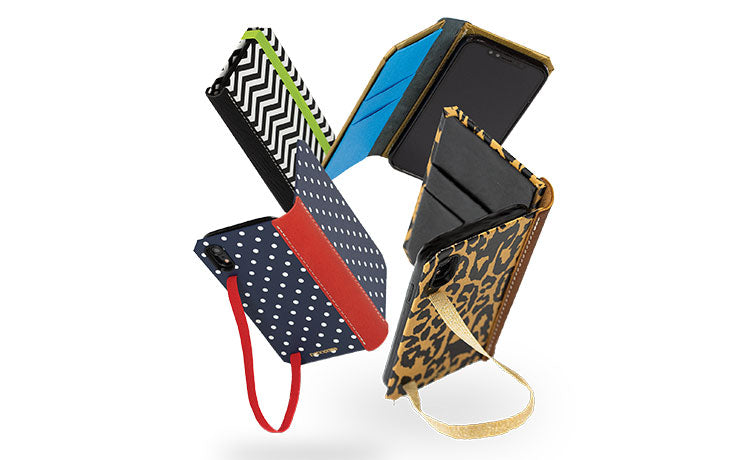
Whichever side of the debate you land on, we have it covered, literally. Browse our handcrafted iPad cases and iPhone cases, made in the USA with traditional bookbinding and leathercrafting techniques.