
Staring at the current iPad lineup often leads to analysis paralysis. The iPad Air and iPad Pro now share nearly identical industrial designs, yet substantial differences remain hidden within their displays and processors.
Most potential buyers face a distinct financial anxiety. You worry about sacrificing too much performance to save money on the Air, or you fear burning cash on "Pro" capabilities that will simply gather dust.
The gap between these devices is no longer just about size or aesthetics. It comes down to refresh rates, contrast ratios, and raw computing power.
The Visual Experience: Display Technology and Refresh Rates
The screen is the primary interface for everything you do on a tablet. Because the display dictates how content looks and feels, the differences between the iPad Air and iPad Pro represent the most significant divide between the two models.
While both panels are sharp and color-accurate, the technology powering them creates two distinct user experiences.
ProMotion vs. 60Hz
The refresh rate is the single most divisive feature between these two devices. The iPad Pro utilizes ProMotion technology, which allows the screen to refresh up to 120 times per second.
This high refresh rate makes scrolling through web pages, swiping between home screens, and moving through system menus look incredibly fluid. It also has a major impact on stylus input.
When using the Apple Pencil on a Pro, the line appears to flow directly from the tip with virtually zero latency.
The iPad Air relies on a fixed 60Hz refresh rate. For years, this was the industry standard, and it remains perfectly functional for streaming video or typing documents.
However, the "adjustment factor" plays a massive role here. If you currently use a smartphone with a 120Hz screen (like an iPhone Pro or a high-end Android device), the iPad Air will look choppy to your eyes.
The motion blur during scrolling is noticeable to anyone accustomed to higher speeds. Conversely, if your current phone and laptop utilize 60Hz screens, the Air will look perfectly smooth to you.
OLED vs. LCD Technology
Apple separates these models by the panel technology itself. The iPad Pro features Tandem OLED.
This advanced display stacks two OLED panels to achieve incredible brightness and, more importantly, perfect contrast. Because OLED pixels are self-emissive, they can turn off completely to display black.
This results in infinite contrast ratios where dark scenes in movies look truly dark rather than a washed-out dark grey. It elevates the experience of watching content in a dimly lit room.
The iPad Air uses a Liquid Retina LCD. This is a high-quality traditional screen with an LED backlight.
While it offers great color accuracy (P3 wide color), it cannot achieve true black because the backlight must stay on to illuminate the pixels. Visually, this means you will see a faint glow in the black bars when watching widescreen movies.
In terms of outdoor visibility, the Pro gets significantly brighter, specifically when viewing HDR content, making it the superior choice for working on a patio or in direct sunlight.
Screen Real Estate and Bezels
Both product lines now offer similar physical sizes, including a 13-inch variant. This means you no longer have to buy the most expensive model just to get the largest canvas.
The screen real estate is functionally identical for productivity tasks like Split View or Stage Manager.
There are minor aesthetic differences. The bezels on the iPad Pro are slightly thinner than those on the Air.
While this looks modern side-by-side, it rarely impacts daily use. The more significant factor is how the screen technology scales.
On the larger 13-inch models, the imperfections of the LCD technology on the Air (like uneven backlighting or "blooming") can be more noticeable simply because there is more screen area to look at.
Design, Biometrics, and Daily Usability

How a device handles physically is just as important as how it performs. The iPad is meant to be held, carried, and interacted with constantly.
Apple has made interesting choices in the physical architecture of these tablets that challenge the assumption that the "Air" is always the lightest option.
Portability and Thickness
For years, the iPad Air moniker implied it was the featherweight champion of the lineup. That hierarchy has shifted.
The latest iPad Pro models are actually thinner than their Air counterparts. The difference in thickness is striking when holding the naked device.
The Pro feels incredibly dense and futuristic, almost like a sheet of glass.
Despite the Pro being thinner, the iPad Air remains a highly portable device. The weight difference between the two is negligible for most users.
Durability is a valid concern with the ultra-thin chassis of the Pro. While the build quality is premium aluminum, the sheer thinness can make users nervous about tossing it into a backpack without a protective case.
The Air, being slightly thicker, can paradoxically feel a bit more substantial and rugged in the hand.
Authentication Methods
Security and unlocking methods significantly alter how you use the device. The iPad Pro uses Face ID.
This system is passive and seamless. You tap the screen or lift the device, and it unlocks before you even realize it scanned your face.
This is particularly useful when the iPad is docked in a keyboard case. You simply sit down and start working without raising a hand.
The iPad Air utilizes Touch ID integrated into the top power button. While reliable, it introduces friction.
You must physically reach up and rest your finger on the button to unlock the device or authorize a purchase. If your iPad is floating on a Magic Keyboard, this reach can feel awkward and breaks your flow.
However, some users prefer the deliberate nature of Touch ID, as it prevents accidental unlocks when simply glancing at the lock screen to check the time.
Audio and Media Consumption
The audio experience differs drastically between the two tiers. The iPad Pro houses a four-speaker audio system that adjusts the stereo balance based on how you are holding the tablet.
It produces rich, room-filling sound with surprising bass for such a thin chassis. You can comfortably watch a movie or listen to music without reaching for headphones.
The iPad Air uses a dual-speaker landscape audio system. While it sounds clear, it lacks the depth and immersive quality of the Pro.
If you block one side of the Air while holding it, you lose half your audio output. For recording, the Pro features studio-quality microphones designed to isolate voice and reduce background noise.
The Air has standard microphones that are adequate for video calls but fall short for recording podcasts or voiceovers.
Performance and Internals: M-Series Chip Comparison

Marketing materials often suggest that you need the fastest chip available to future-proof your purchase. In reality, the performance ceiling for tablets is so high that the difference between the "good" chip and the "best" chip is invisible for ninety percent of the user base.
Chip Generation Gap
The iPad Pro typically carries the absolute latest silicon (such as the M4), while the Air utilizes a slightly older but still powerful chip (like the M2). The newer Pro chips feature an upgraded Neural Engine and additional GPU cores designed for hardware-accelerated ray tracing.
These specs look impressive on paper and are essential for highly specific AI-driven tasks or cutting-edge graphical rendering.
However, the chip in the iPad Air is the same processor that powered high-end MacBooks just a year prior. It is not a mobile chipset; it is a desktop-class processor.
The gap between the generations is measurable in benchmarks but often imperceptible in the operating system itself. Both chips run iPadOS with identical fluidity.
Real-World Speed vs. Benchmarks
For the vast majority of tasks, the speed difference is nonexistent. Opening Safari, checking email, streaming 4K video, or writing in a document happens instantly on both machines.
If your workflow involves administrative tasks, student research, or media consumption, the Pro offers zero speed advantage over the Air.
The divergence occurs during sustained, heavy lifting. If you are a video editor rendering 4K ProRes footage, the Pro will export the file significantly faster.
If you are a 3D artist using Octane or a musician running dozens of plugin-heavy tracks in Logic Pro, the extra GPU cores and memory bandwidth on the Pro become necessary. For everyone else, the power of the Pro is essentially untapped horsepower that you are paying for but never using.
Thermal Management
Heat dissipation is the enemy of performance. Because iPads are passively cooled (they have no fans), they rely on the aluminum chassis to spread heat.
When playing graphically intense games like Genshin Impact or Resident Evil for longer than thirty minutes, the device will heat up.
The iPad Pro generally handles these sustained loads better due to more efficient chip architecture and superior thermal engineering, often using graphene or copper elements inside the chassis to move heat away from the processor. The Air may throttle (slow down) sooner to keep the device cool.
If you plan to use the iPad as a dedicated gaming console for AAA titles, the Pro maintains peak performance for longer durations.
Connectivity, Accessories, and Expansion

While the iPad Air and iPad Pro may look identical when sitting on a desk, their capabilities diverge significantly once you start plugging things into them. The single USB-C port on the bottom of the device serves as the gateway to your entire workflow.
Depending on which model you choose, that port can either be a bottleneck that slows down your data transfer or a high-speed pipeline capable of powering an entire workstation.
Port Speed and Utility
The physical connector looks the same on both devices, but the technology behind it is different. The iPad Air features a standard USB-C connector.
It is fast enough for charging and basic data transfer, operating at speeds around 10Gbps. This is perfectly adequate for moving documents or backing up photos to a standard thumb drive.
The iPad Pro upgrades this port to Thunderbolt / USB 4 standards. This increases the bandwidth up to 40Gbps.
The difference becomes immediately apparent when transferring massive files. If you are a videographer trying to offload 100GB of 4K footage from an external SSD, the Pro will finish the task in a fraction of the time it takes the Air.
Furthermore, Thunderbolt opens the door to high-performance accessories, such as complex docking stations that offer Ethernet, multiple USB-A ports, and SD card readers all through a single cable without suffering speed degradation.
External Display Support
Both iPads can connect to external monitors to mirror your screen or extend your workspace using Stage Manager. However, the Pro has a higher ceiling for display resolution.
The Thunderbolt support allows the iPad Pro to drive Apple’s Pro Display XDR at its full 6K resolution.
For the iPad Air, the experience is generally limited to 4K or 5K displays depending on the specific hub or cable used. While this covers most consumer monitors, the Pro is the only reliable choice for creative professionals who need to connect to high-end, color-accurate studio displays.
Additionally, the higher bandwidth on the Pro reduces the likelihood of lag or artifacts when running a high-resolution monitor alongside high-speed data drives.
Keyboard and Pencil Ecosystem
Apple creates artificial distinctions in its accessory lineup to separate the two tiers. The most significant difference lies in the keyboard options.
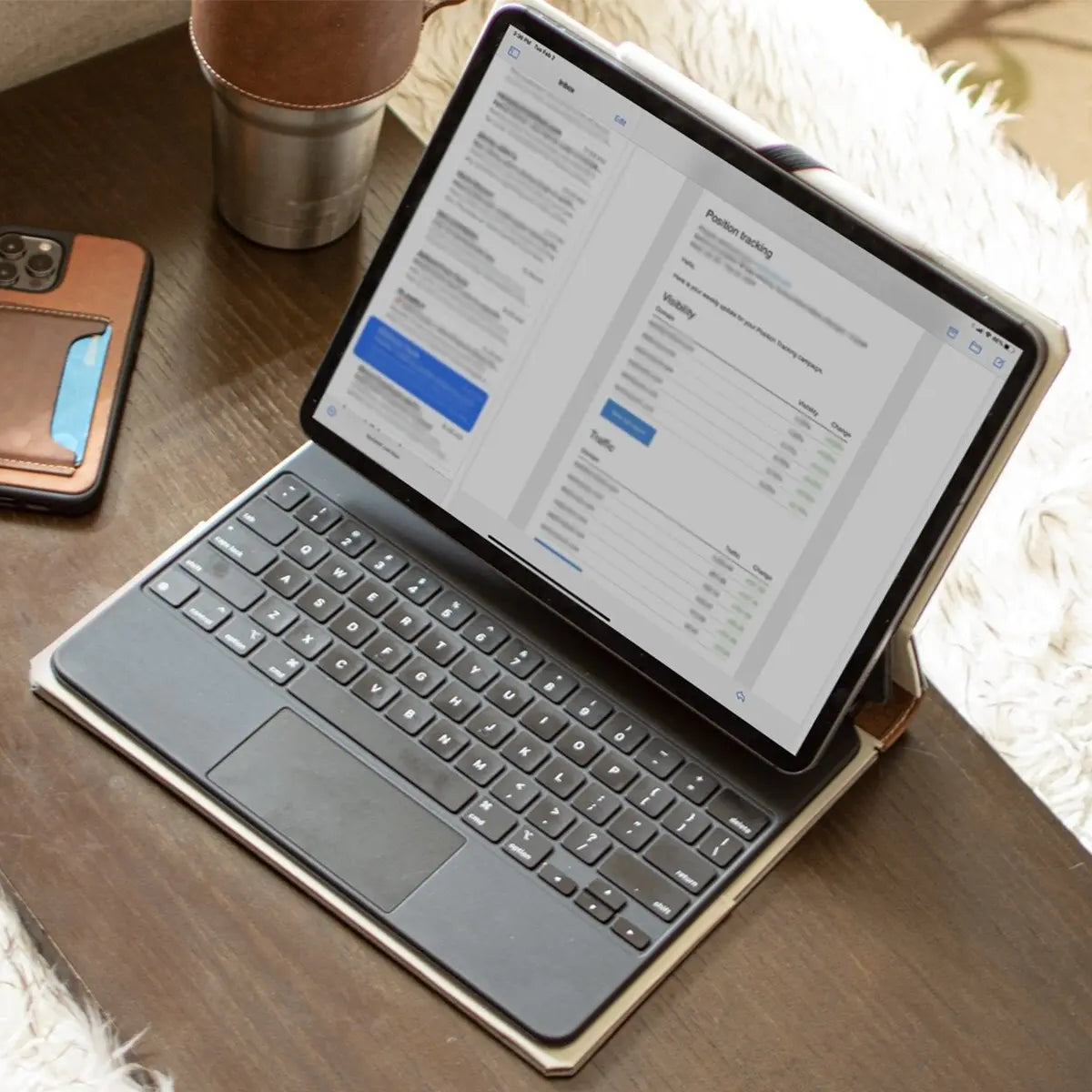
The newest iPad Pro models are compatible with the premium aluminum Magic Keyboard. This accessory features a function row for quick controls (brightness, volume) and a larger, haptic glass trackpad that feels like a MacBook.
The typing experience is rigid and premium.
The iPad Air typically relies on the previous generation Magic Keyboard. While still an excellent typing accessory, it lacks the function row, meaning you have to reach up to the Control Center on the screen to adjust volume or brightness.
It also uses a smaller mechanical trackpad. Regarding the stylus, parity has largely been achieved.
Both modern versions support the new Apple Pencil Pro, including squeeze gestures and barrel rotation. However, it is always wise to double-check the specific compatibility of the Pencil generation before buying, as older Air models have fragmented support.
Price Analysis and Value Proposition

The sticker price on the Apple Store is rarely the final price you pay. Once you account for storage upgrades and the lifespan of the device, the math often tells a different story than the initial price tags suggest.
Making the right financial decision requires looking past the entry-level MSRP and calculating the total cost of ownership over three or four years.
Base Model Storage Discrepancy
This is where the pricing structure gets tricky. The iPad Air usually starts with 128GB of storage.
For many users, particularly those who download games or store photos locally, 128GB fills up quickly. The iPad Pro typically starts at 256GB.
When you configure an iPad Air with 256GB of storage to match the base functionality of the Pro, the price gap shrinks dramatically. Often narrowing to around $200.
At that point, you have to ask yourself a difficult question.
Is it worth saving that small amount to forfeit the OLED display, Face ID, ProMotion (120Hz), four speakers, and Thunderbolt? For most buyers, the "upsell" to the Pro becomes the mathematically superior option once you move beyond the base storage tier of the Air.
Resale Value and Future Proofing
History shows that iPad Pro models retain their value better than iPad Air models on the secondhand market. The "Pro" moniker carries weight with used buyers who are looking for better screens and speakers.
Three years from now, a used iPad Pro will likely command a significantly higher trade-in value or private sale price than a used Air.
Software support also plays a role. While both M-series chips will receive iPadOS updates for years, the extra RAM and GPU cores in the Pro often mean it will support advanced features in future updates that might be disabled on the Air.
Buying the more powerful architecture today is a hedge against the software demands of tomorrow.
The Sweet Spot Configuration
If your budget is tight and your needs are basic, the entry-level iPad Air (128GB) is an excellent machine. It offers the modern design and M-series power at the lowest possible entry point.
It is the perfect device for students and casual consumers.
However, if you plan to upgrade the storage on the Air, you should stop and look at the base model iPad Pro. The 256GB iPad Pro represents the best value in the entire lineup.
It gives you every premium feature Apple offers, the screen, the speed, the biometrics, without forcing you to pay for terabytes of storage you will likely never fill. For the average user who wants a premium experience without wasting money, the base Pro is the golden ticket.
The Final Verdict
The decision between the iPad Air and the iPad Pro ultimately hinges on how much you value the display and the friction-free experience of Face ID. The Air asks you to accept a standard screen and a physical fingerprint sensor in exchange for significant savings.
It is a pragmatic device that prioritizes value over luxury. The Pro demands a premium price.
In return, it delivers a visual experience that feels instantaneous and looks flawless in any lighting condition.
You should buy the iPad Air if you are a student, a writer, or a casual user who primarily wants a tablet for reading, watching movies, and handling email. It provides nearly all the processing power of the Pro without the extra cost.
If you have never used a 120Hz display before, you will likely not notice what is missing. The Air is the rational choice for those who view the iPad as a companion device rather than a main workstation.
You should buy the iPad Pro if you are a digital artist, a video editor, or a power user attempting to replace a laptop completely. For artists, the zero-latency response of the ProMotion display is essential for precision work.
For media lovers, the perfect black levels of the OLED panel transform movie watching. If you plan to stare at this screen for hours every day as your primary computer, the higher price tag is a worthy investment for the superior comfort and visual fidelity it provides.
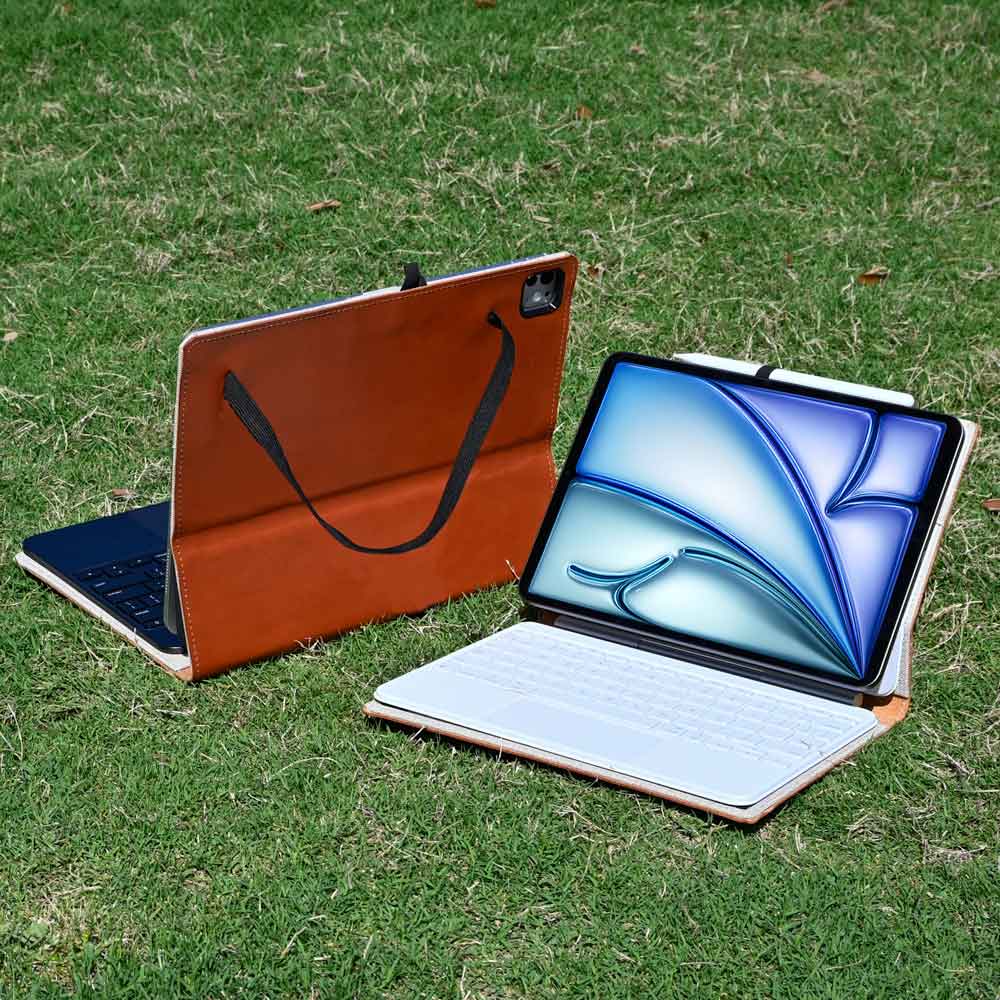
Whichever side you land on, both tablets deserve protection from day one — especially the ultra-thin Pro. We bind book-style and leather cases by hand for each: browse our iPad Air cases and iPad Pro 13" and 12.9" cases.