
The iPad occupies a strange middle ground between the smartphone in your pocket and the computer on your desk. It offers a canvas larger than a phone screen yet remains far more portable than a traditional laptop.
This unique position often leaves consumers confused about its true utility. You might want one simply because it looks sleek and futuristic.
However, wanting a gadget is very different from needing it.
Clarifying Your Needs and Current Devices
Buying new technology often feels like a quick fix for productivity issues or boredom. However, adding another screen to your life requires a clear strategy to ensure you get value for your money.
You must look closely at your specific routine to determine if an iPad solves a problem or simply creates a redundancy in your digital toolkit.
Analyzing Daily Habits
The first step is an honest assessment of how you spend your time. List the specific tasks you perform every day.
If your routine consists primarily of consuming content, such as watching videos, reading articles, browsing social media, or responding to light emails, a tablet offers a superior experience to a phone or a bulky laptop. It provides an immersive display in a lightweight package that is perfect for relaxation or casual browsing.
Workflows shift when you move from consumption to creation. Students and professionals often need to type long essays, manage complex spreadsheets, or edit high-resolution photos.
While an iPad can handle these tasks, it often requires workarounds that a traditional computer handles natively. If your day involves heavy multitasking, coding, or file management, you might find the tablet operating system restrictive.
Identifying the exact nature of your tasks helps you see if a touch-first interface will speed you up or slow you down.
Evaluating Current Hardware
Take stock of the technology you already own. Most people possess a smartphone and a laptop or desktop computer.
Modern smartphones feature large, high-quality screens that handle quick tasks like banking, texting, and navigation with ease. On the other end of the spectrum, laptops offer the raw power, physical keyboard, and software flexibility needed for deep, focused work.
An iPad makes sense only if you identify a significant gap between these two categories. Perhaps your laptop is too heavy and cumbersome to use while commuting or lying in bed.
Maybe your phone screen is too small for comfortable reading or reviewing PDF documents. If you constantly wish for a device that is easier to hold than a laptop but more capable than a phone, a tablet fits that specific void.
If your current devices cover your needs comfortably, adding a third device might just add weight to your bag without adding value.
Choosing Between Companion or Replacement
You must decide if this new device will support your primary computer or attempt to retire it. This distinction dictates which model you should buy and how much money you will spend.
A companion device serves a supplementary role. It acts as a digital notebook, a secondary monitor for your laptop, or a dedicated media player for travel.
In this scenario, you do not need the most expensive model or the highest storage capacity.
Attempting to replace a laptop changes the equation entirely. If you want the iPad to be your only computer, the demands on performance and ergonomics increase drastically.
You will likely need a 'Pro' or 'Air' model with a faster processor to handle multitasking. Furthermore, a replacement role practically mandates purchasing expensive accessories, such as a trackpad-equipped keyboard case and a stylus. Recognizing this distinction early prevents you from underbuying a device that cannot handle your workload or overspending on power you will never use.
Strengths of the iPad

Computers have traditionally forced us to adapt to their input methods, but tablets flip this dynamic by prioritizing direct interaction. The iPad thrives in scenarios where a mouse and keyboard feel unnatural or cumbersome.
It bridges the gap between passive entertainment and active creation, offering a fluid experience that feels less like operating a machine and more like holding a digital sheet of glass.
Media Consumption and Casual Tasks
Most users find that the iPad shines brightest when the goal is relaxation or light interaction. Watching movies, reading digital magazines, or scrolling through photo albums on a high-resolution display offers an intimacy that a laptop cannot match.
You can hold the content in your hands, lean back, and engage with it directly via touch. The aspect ratio and display technology are specifically tuned for these visual experiences, making colors pop and text sharp.
Casual gaming and social media also benefit significantly from this form factor. Mobile games often feel cramped on a smartphone, but on a tablet, the interface breathes.
There is room for on-screen controls without obscuring the action. Similarly, browsing social feeds or shopping online feels expansive.
Battery life plays a major role here as well. An iPad can typically sustain hours of continuous video playback or reading without needing a wall outlet, freeing you from the anxiety of finding a charger during a movie marathon or a long reading session.
Portability and Travel
Laptops have become thinner and lighter over the years, yet they still require a surface to function effectively. An iPad removes this friction completely.
You can use it while standing in a subway car, sitting in a cramped airplane seat, or lounging on a couch. Its slim profile allows it to slip into tote bags or small backpacks that would struggle to accommodate a standard 13-inch computer.
This "pick up and go" nature changes how and where you use technology.
For commuters and travelers, this adaptability is invaluable. Pulling out a laptop to check a map or review a reservation often feels like a production involving opening lids and waiting for wake cycles.
A tablet is instant on, instant off. It fits into the small tray tables on flights and buses, allowing you to work or watch content in spaces that would otherwise be dead time. The device disappears into the background of your activity rather than dominating your physical space.
Stylus Input and Creative Work
The introduction of the Apple Pencil transformed the iPad from a consumption device into a powerful creative tool. For students, the ability to handwrite notes directly onto lecture slides or PDFs mimics the flexibility of paper while retaining the organization of digital files.
You can circle important text, draw diagrams, and highlight passages without printing a single page. This tactile feedback helps many people process information more effectively than typing.
Artists and designers also rely on this touch-first workflow. Sketching, painting, and photo editing become visceral experiences when you use a stylus.
The pressure sensitivity and tilt support allow for nuanced strokes that a mouse simply cannot replicate. Even for non-artists, the utility of whiteboarding ideas or signing documents electronically adds a layer of functionality that a standard laptop lacks.
It turns the screen into a versatile canvas, capable of acting as a notebook, sketchbook, or drafting table depending on the app you open.
Where an iPad May Fall Short

Despite aggressive marketing that positions the iPad as a computer replacement, it often hits a hard ceiling when pushed toward complex tasks. The device excels at focused, single-app workflows, yet it struggles to match the flexibility and raw utility of a traditional desktop operating system.
Limitations for Full Computer Work
The operating system is the primary bottleneck for power users. iPadOS has improved significantly, but it still restricts how you manage files and run software.
Simple tasks on a PC, such as moving a file from a USB drive to a specific nested folder, can become a multi-step chore on an iPad. You do not have full access to the file system, which makes organizing large projects or backing up data difficult.
Software availability also presents a challenge. While the App Store is vast, many "pro" apps are actually watered-down versions of their desktop counterparts.
A photographer might find that Lightroom for iPad lacks specific export settings, or an accountant might realize that Excel for iPad does not support complex macros. For developers and engineers, the situation is even starker.
You cannot compile code, run local servers, or use comprehensive integrated development environments directly on the device. If your work requires niche industry software or heavy multitasking with floating windows, the iPad will likely slow you down.
Typing and Long-Form Productivity
Writing on a slab of glass works well for a quick text or a search query, but it is ergonomically disastrous for long writing sessions. The on-screen keyboard offers no tactile feedback, covers half the display, and forces your hands into an uncomfortable position.
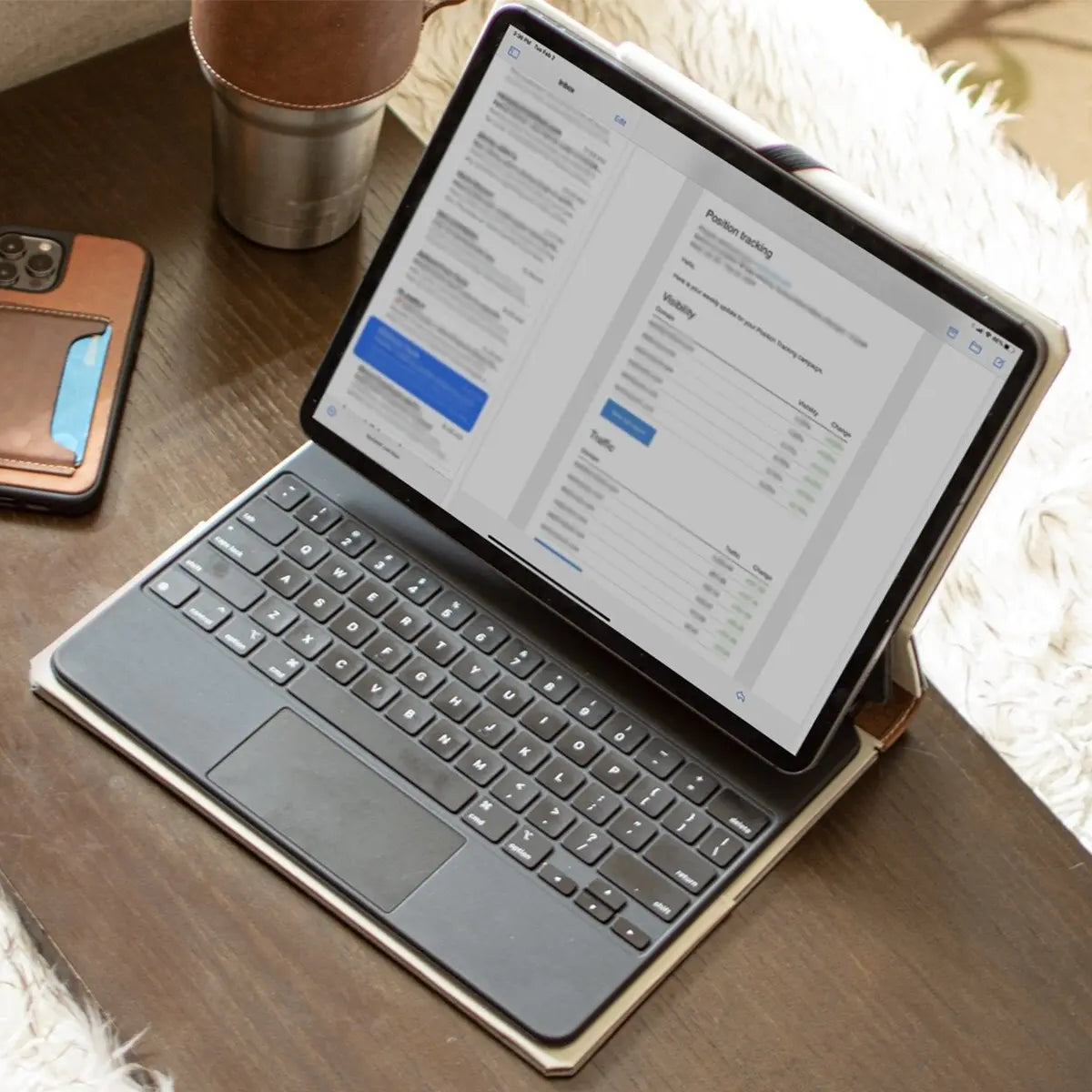
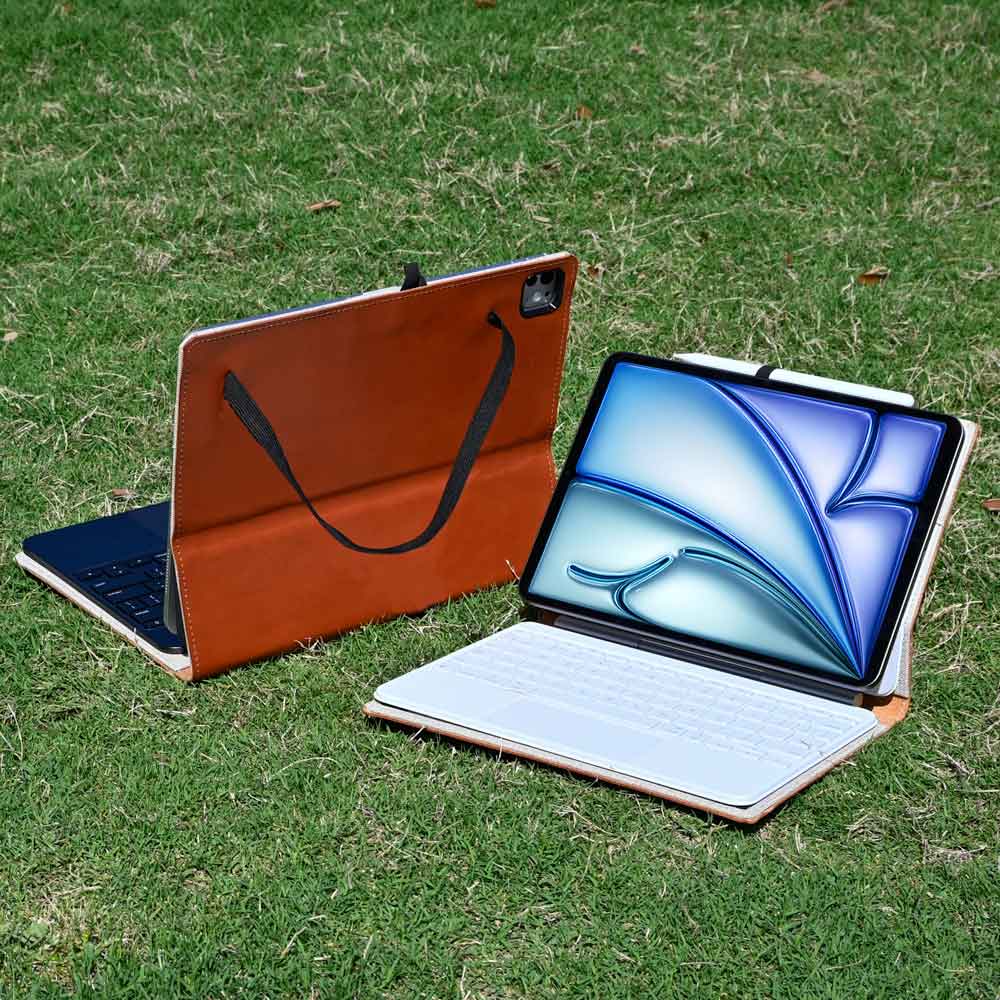
To make the iPad viable for writing essays, reports, or emails, you effectively must purchase an external keyboard case.
Buying these accessories introduces a new problem. High-quality keyboard cases are expensive and add significant weight and bulk to the device.
Once you attach a sturdy keyboard and a trackpad, the iPad often becomes heavier and thicker than a comparable laptop, negating its portability advantage. Furthermore, the setup is often top-heavy.
Unlike a laptop that sits firmly on your lap, an iPad with a kickstand or a floating hinge can feel unstable on uneven surfaces, making it less practical for working on a train or in a waiting room.
Potential for Underuse and Redundancy
The most common fate for an iPad is becoming a specialized device that rarely gets used. It sits in a precarious middle ground between the smartphone and the laptop.
If you are out and about, your phone is more convenient because it is already in your pocket. If you are sitting down to do serious work, your laptop is more powerful and comfortable.
You must evaluate if the iPad actually solves a problem or if it just duplicates functions you already have covered. If you own a large smartphone and a lightweight ultrabook, the functional gap between them is very narrow.
In this scenario, the tablet often ends up as a luxury "coffee table device" used only occasionally for streaming video or browsing the web. It risks becoming an expensive gadget that is nice to have but completely unnecessary for your daily workflow.
Matching iPad Types to Different Users
Apple markets its tablet lineup as a hierarchy of power and price. However, simply buying the most expensive model ensures nothing but a lighter wallet.
The best device for you depends entirely on your daily routine and the specific friction points you want to remove.
Casual Users and Families
For those who primarily want a tablet for entertainment, the entry-level iPad is almost always the correct choice. This model handles streaming movies, browsing the web, and scrolling through social media just as well as its more expensive counterparts.
You do not need a professional-grade processor or a specialized display to watch YouTube or play casual games. The standard model offers the core tablet experience at a price point that makes sense for a secondary device.
This version also excels as a shared household computer. It frequently serves as a communal hub located in the living room or kitchen.
One person might use it to follow a recipe while cooking, while another uses it later to read news or video chat with relatives. Parents often hand this model to children for educational apps or entertainment during long car rides.
Its durability and lower replacement cost make it a safer bet for environments where the device might take a few bumps or sticky fingers.
Students and Educators
The academic world relies heavily on reading, annotating, and synthesizing information. For students and teachers, the iPad Air or the standard iPad often hits the sweet spot between performance and portability.
The primary appeal here is the ability to carry an entire library of textbooks and a stack of notebooks in a single, thin slate. Using a stylus to highlight PDFs or handwrite notes during a lecture aids retention for many learners in a way that typing cannot.
A major consideration for students is if the iPad can replace a laptop entirely. For majors focused on humanities, literature, or social sciences, an iPad paired with a keyboard might suffice for writing papers and research.
However, students in engineering, computer science, or data-heavy fields will find the tablet insufficient. In those cases, the iPad serves best as a companion device for note-taking and reading, while a traditional laptop remains necessary for running specialized software or coding environments.
Professionals and Creatives
Creative professionals and power users typically require the specific features found in the iPad Pro. Visual artists, illustrators, and photographers benefit immensely from the superior display technology, which offers better color accuracy and smoother refresh rates.
These details matter when you are sketching for hours or editing high-resolution photos for a client. The Pro models also support more advanced accessories and offer faster data transfer speeds, which are essential if you move large video files or raw images regularly.
Beyond artistic work, the iPad Pro serves a distinct role in business settings. Real estate agents, architects, and sales professionals often use it as a presentation tool.
Handing a sleek slate to a client to review a portfolio or a blueprint creates a more engaging and modern interaction than crowding around a laptop screen. In these high-stakes environments, the premium build quality and larger screen size justify the higher cost, as the device becomes a direct extension of your professional image.
Cost, Alternatives, and Making the Decision

The price tag on the box rarely reflects the final amount you will pay. When you commit to an iPad, you are often buying into a modular system that requires additional hardware to function effectively.
Before finalizing your purchase, you must weigh the financial reality against the actual utility the device brings to your life. Sometimes the smartest financial move is to spend that money elsewhere or simply save it.
Calculating the Total Cost
You might see the base price of a tablet and consider it a bargain, but the real cost escalates quickly when you add essential accessories. A standard iPad often feels incomplete without a protective case or a stand.
If you plan to type or draw, adding a high-quality keyboard folio and a stylus can easily increase the final bill by hundreds of dollars. Furthermore, base models frequently ship with limited storage, so upgrading to a usable amount of space pushes the price even higher.
Compare this total sum against the cost of improving your existing technology. That same amount of money could double the RAM in your current laptop, pay for a new battery, or contribute significantly toward a higher-quality smartphone.
Often, a premium laptop offers more longevity and capability than a mid-range tablet setup. You must determine if a third device offers more value than maximizing the performance of the two devices you already own.
Weighing Your Alternatives
The most cost-effective option is frequently the device you already own. If your current phone feels slow or your laptop battery is dying, spending your budget on fixing those issues yields a better return than adding a tablet to the mix.
If you simply need a larger screen for reading or media, other tablets from different manufacturers offer similar functionality at a fraction of the cost. You do not always need the premium Apple ecosystem for simple video streaming or e-reading.
Small laptops and Chromebooks also present a compelling alternative. These devices provide a lightweight form factor with a built-in keyboard and full desktop browser support.
They often handle productivity tasks far better than a tablet ever will, providing a more practical solution for students or writers on a budget. If your goal is to get work done on the go, a small, dedicated laptop often creates less friction than a tablet that requires dongles and workarounds to function like a computer.
A Practical Decision Checklist
You can simplify the buying process by looking for specific indicators in your daily life. Lean towards saying yes if you frequently find yourself printing documents just to annotate them by hand.
If you travel constantly and resent the weight of your laptop for simple email and media tasks, the portability factor is a strong argument in favor. Creatives who need to sketch directly on a digital canvas will also find the device indispensable.
On the other hand, you should probably skip the purchase if your primary motivation is vague curiosity. If you require full desktop-class browser extensions, intricate file management, or coding environments, the iPad is likely the wrong tool.
Often, if you cannot name three specific tasks you would do better on a tablet than on your current gear, you are likely looking at a purchase you will regret. If your current laptop and phone already handle your tasks comfortably, adding a tablet will likely result in a redundant screen that sees little use.
Conclusion
The iPad is undeniably a triumph of engineering, but its objective quality does not automatically make it a necessary addition to your life. The most important metric is not the screen resolution or the processor speed, but rather how the device fits into your specific workflow.
A piece of technology should solve a problem or remove friction from your day. If you cannot pinpoint exactly what task this tablet will handle better than your current phone or computer, you might be looking at a luxury rather than a tool.
Before you spend your money, look closely at the overlap between the devices you already own. A smartphone and a laptop cover a vast amount of digital ground.
The iPad thrives in the narrow space between them. If your daily routine demands portability, touch interaction, or creative freedom that your current setup lacks, then a tablet is a valuable investment.
However, if you are simply bored with your current gear, admit that you want a new toy rather than convincing yourself you need a productivity powerhouse. Honesty about your intentions ensures you will enjoy the device for what it is, rather than resenting it for what it fails to be.